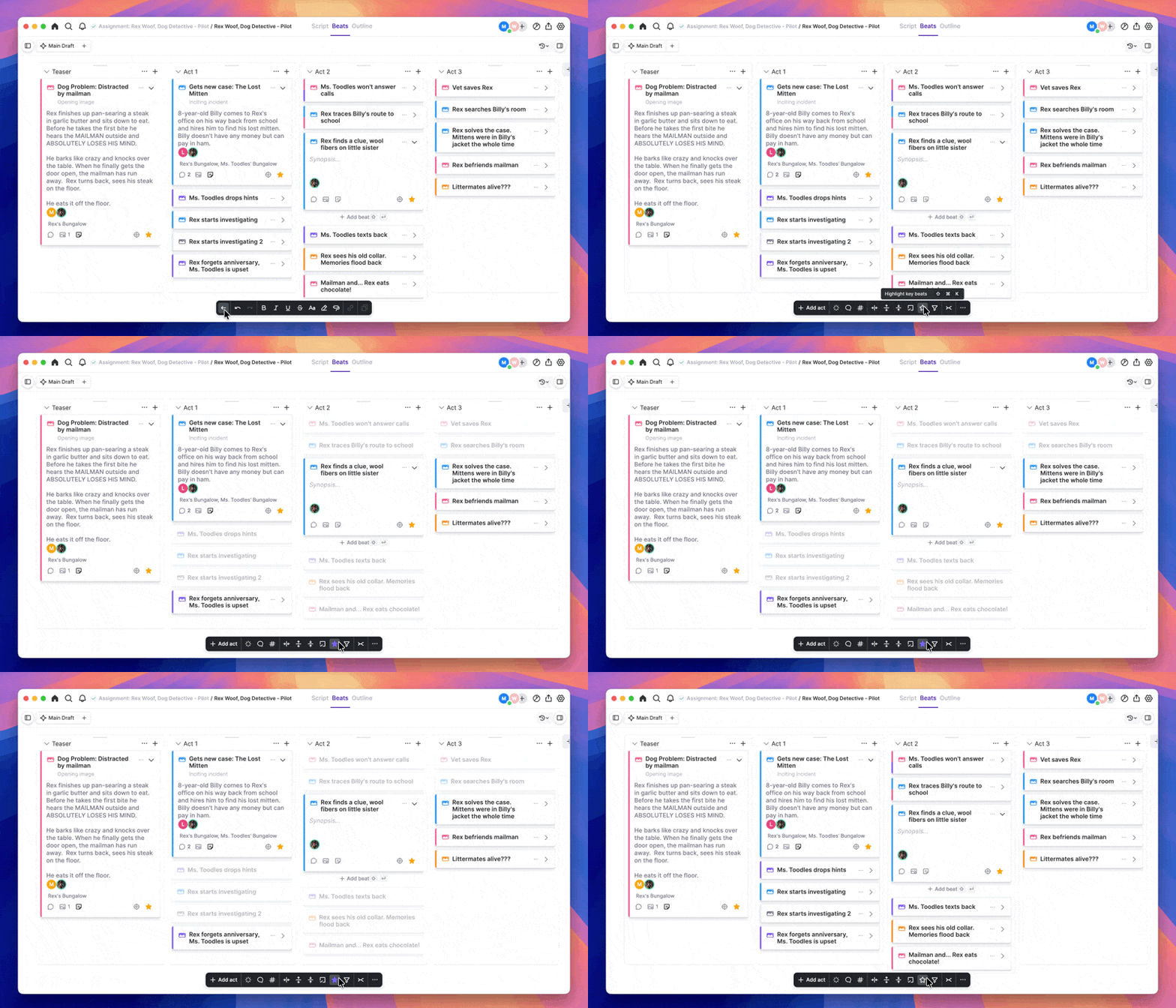
To mark a beat as a key beat, click on the star icon on the beat.To highlight all your key beats, click the ‘Highlight key beats’ star icon in the palette bar at the bottom of the window, or use the keyboard shortcut ‘Shift + Cmd + K’