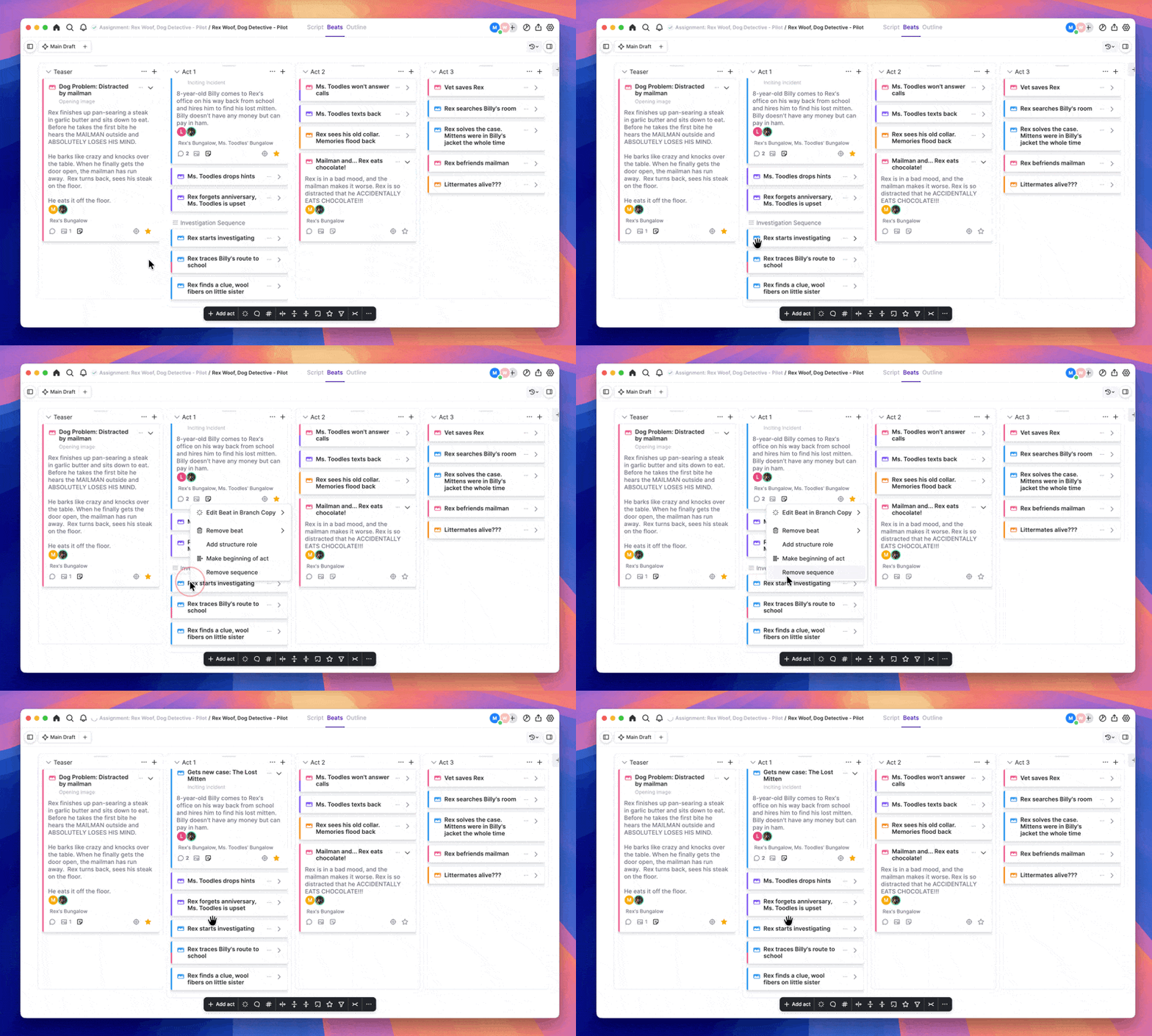
- Right-click on the first beat in the sequence.
- Select ‘Remove sequence.’ The beats in the sequence are no longer linked.
See also:
How Do I Make a Sequence of Beats on the Plot Board?How Do I End A Sequence on the Plot Board?See also:
How Do I Make a Sequence of Beats on the Plot Board?How Do I End A Sequence on the Plot Board?