How Do I Reset My Password?
You can change your password through the Settings menu.
- Navigate to the Desk and click your username in the top left.
- Then click
Account Settings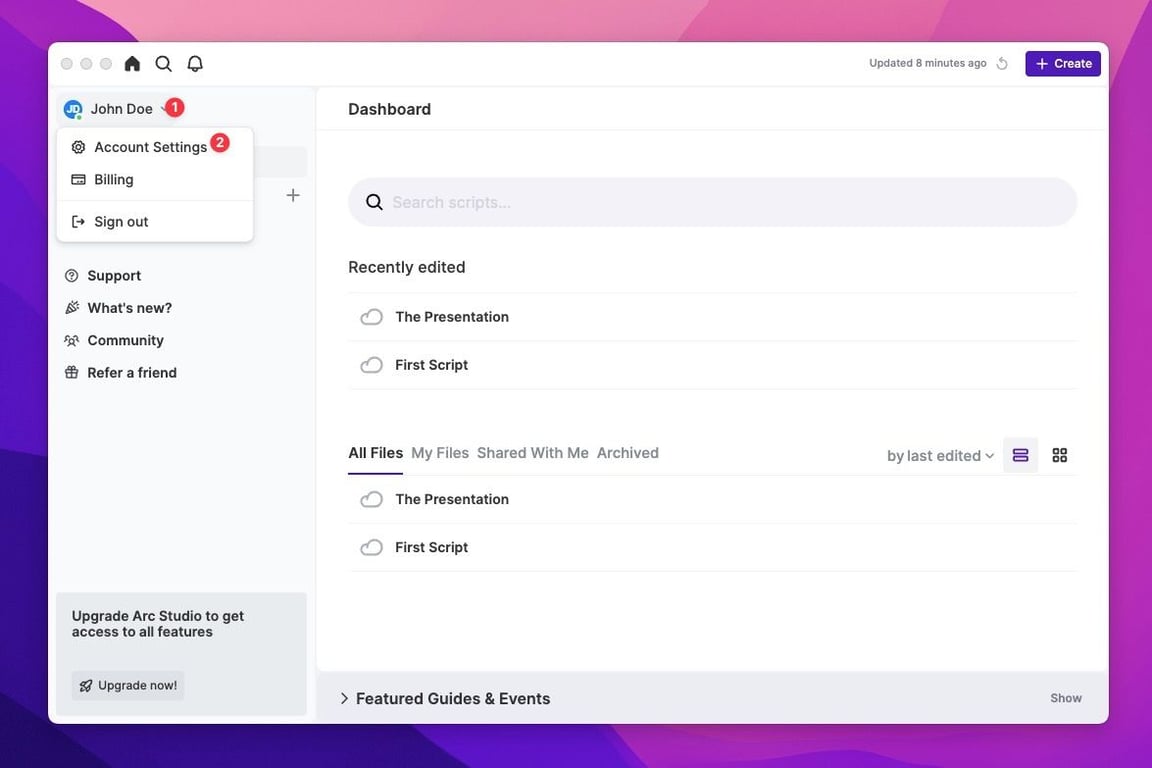
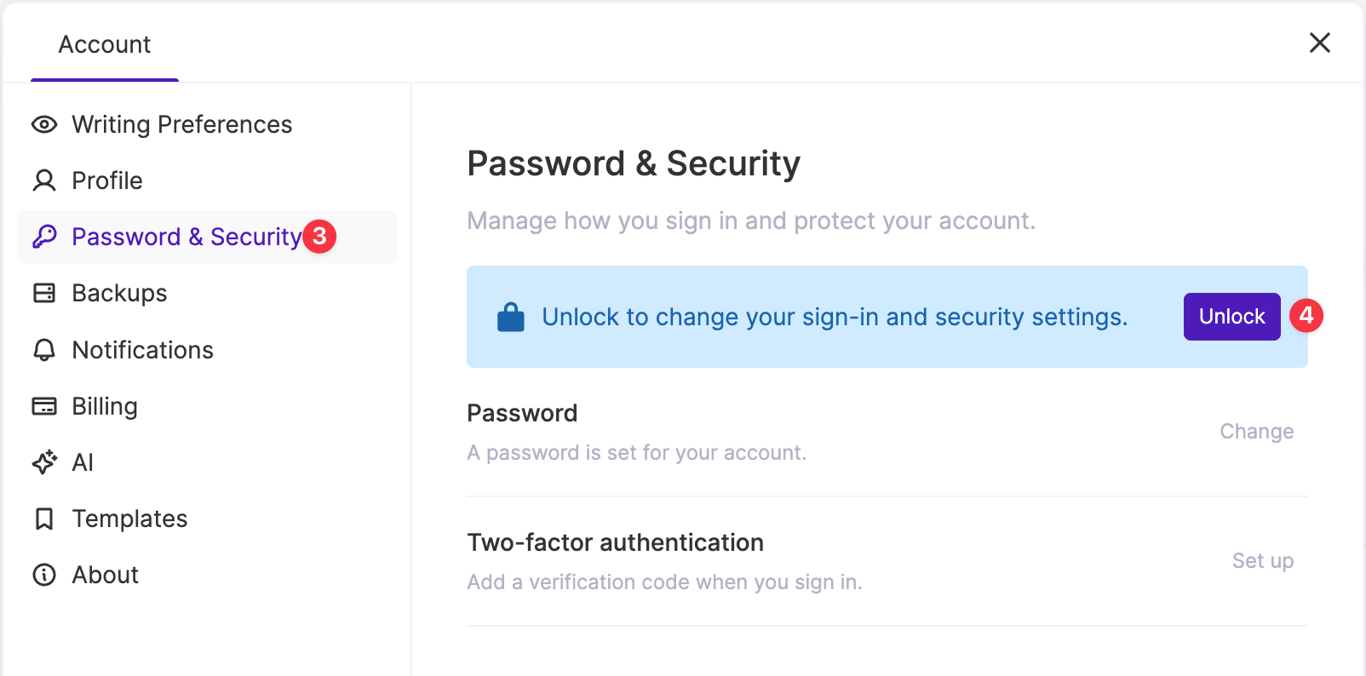
- Click
Password & Security - Click
Unlockto make changes.
- Enter your password and click
Re-authenticate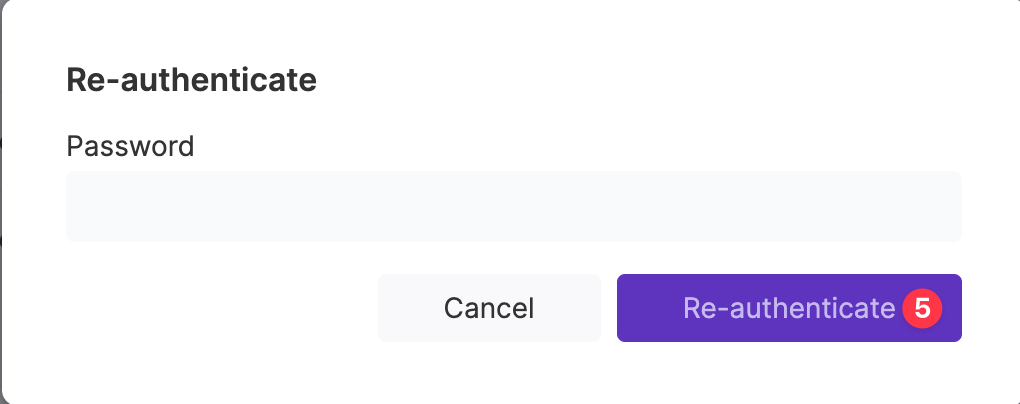
- Next to Password click
Change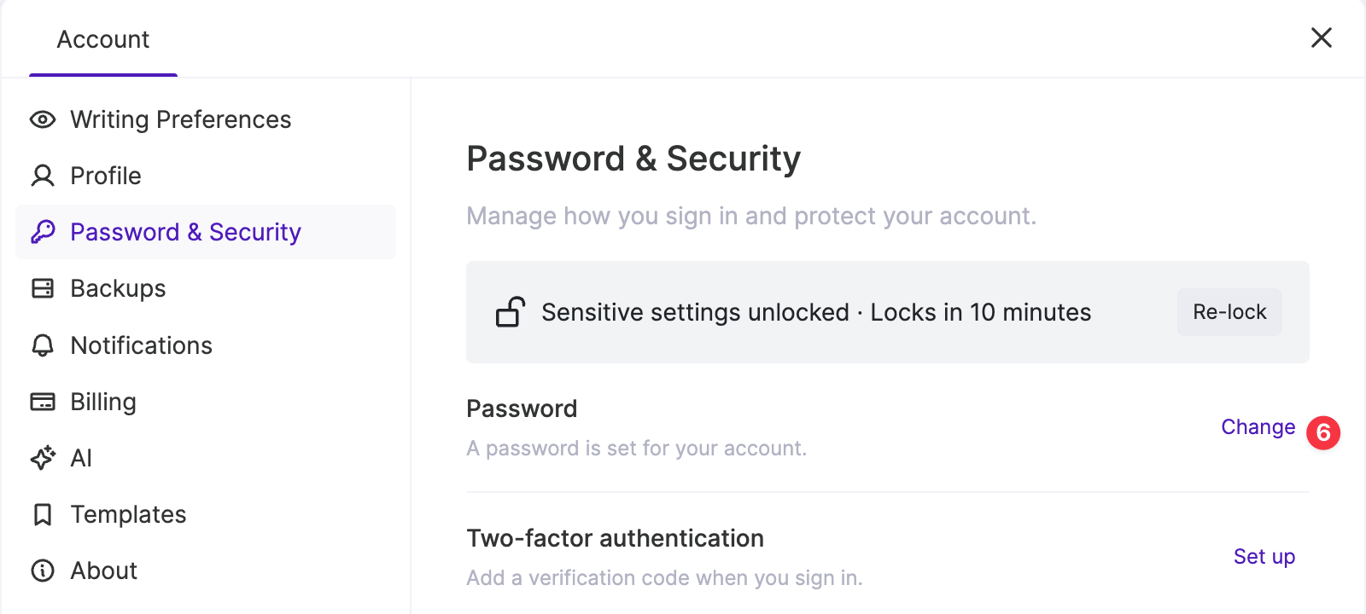
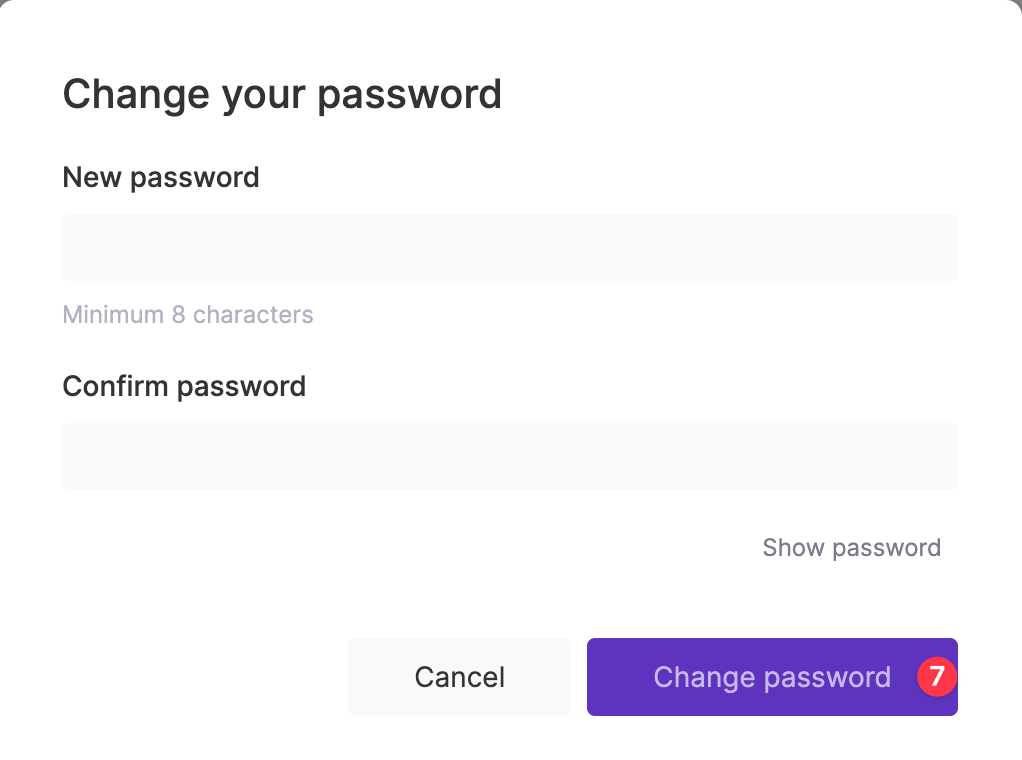
- Enter your new password and then confirm it. Then click
Change password