
How Do I Filter Beats on the Plot Board?
You can highlight all the beats on your Plot Board that contain specific storylines, characters, and locations with the ‘Filter beats’ tool.
- Click the ‘Filter beats’ icon in the palette bar at the bottom of the window or use the keyboard shortcut ‘
Shift+Cmd+F’
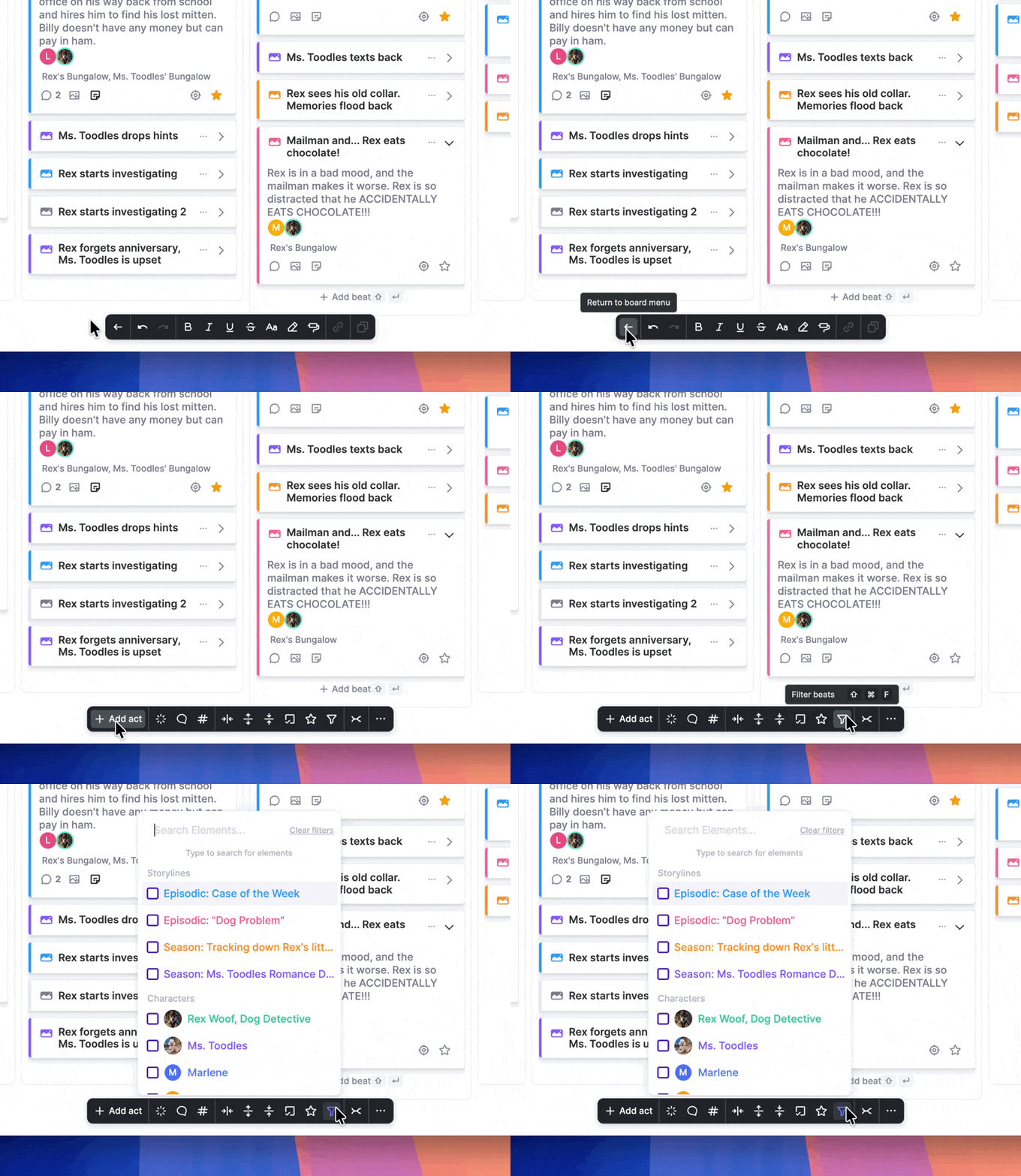
- Select the story element(s) you want to highlight by clicking on them.

- You can also use the search bar to find the elements and use the down arrow ↓ to select it .
- Hit
Enterto select or unselect an element. - You can also choose the currently selected element and close the window by hitting ‘Return’
- To close the window without selecting anything, click away or hit ‘Esc’
The beats containing all the story elements you selected will be highlighted on the Plot Board.
To remove the filters, click the ‘Filter beats’ icon again and select ‘Clear filters.’