How to Use Selection Tools on Mobile App
1. Selecting Text
Section titled “1. Selecting Text”- Tap & Hold: To select a word, tap and hold on the word.
- Adjust Selection: Drag the blue handles that appear to expand or reduce the selection.
2. Undoing and Redoing Actions
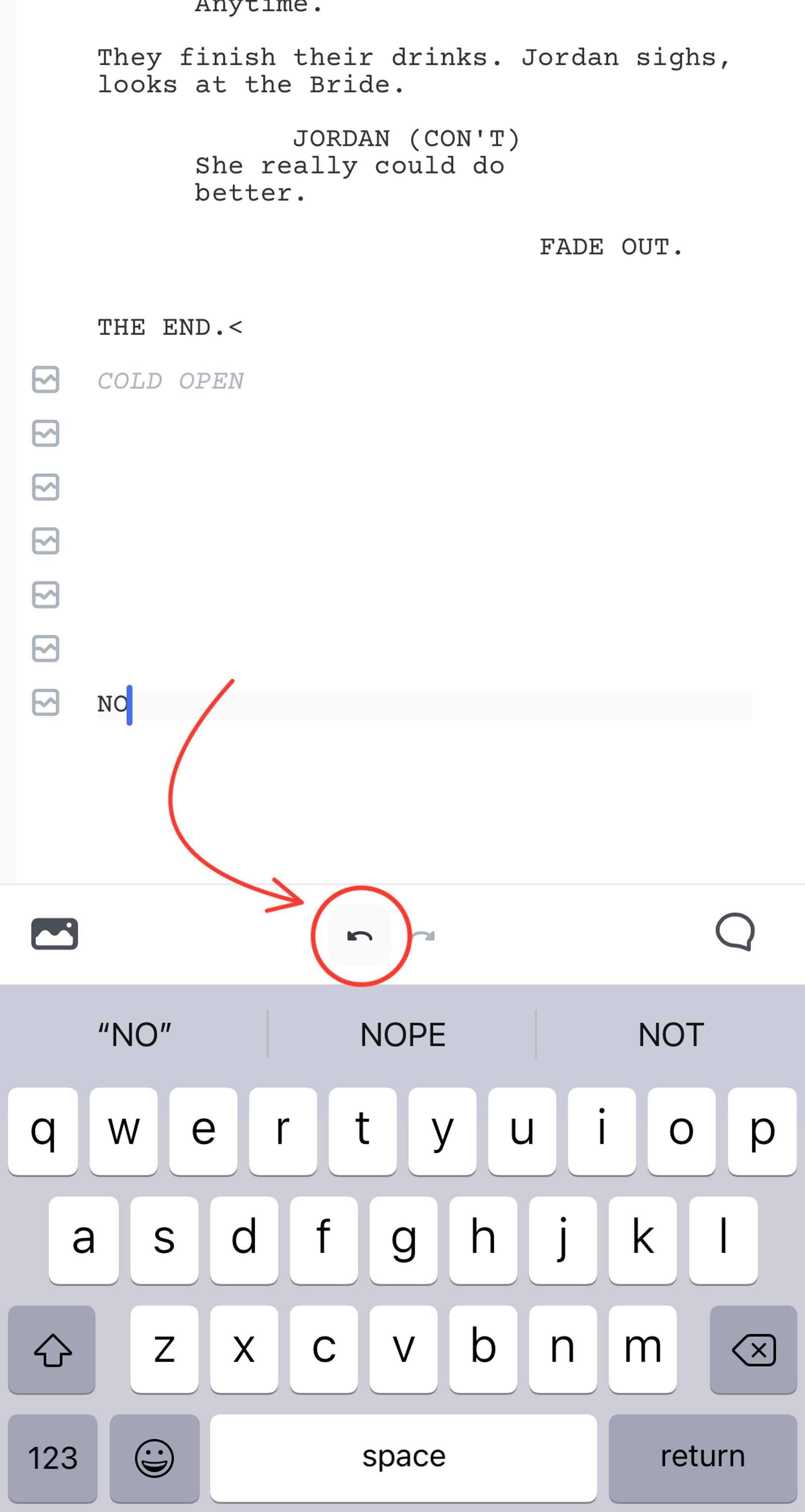
Section titled “2. Undoing and Redoing Actions”- In order to undo an action on the Arc Studio mobile app, press on the back arrow above the text keyboard.
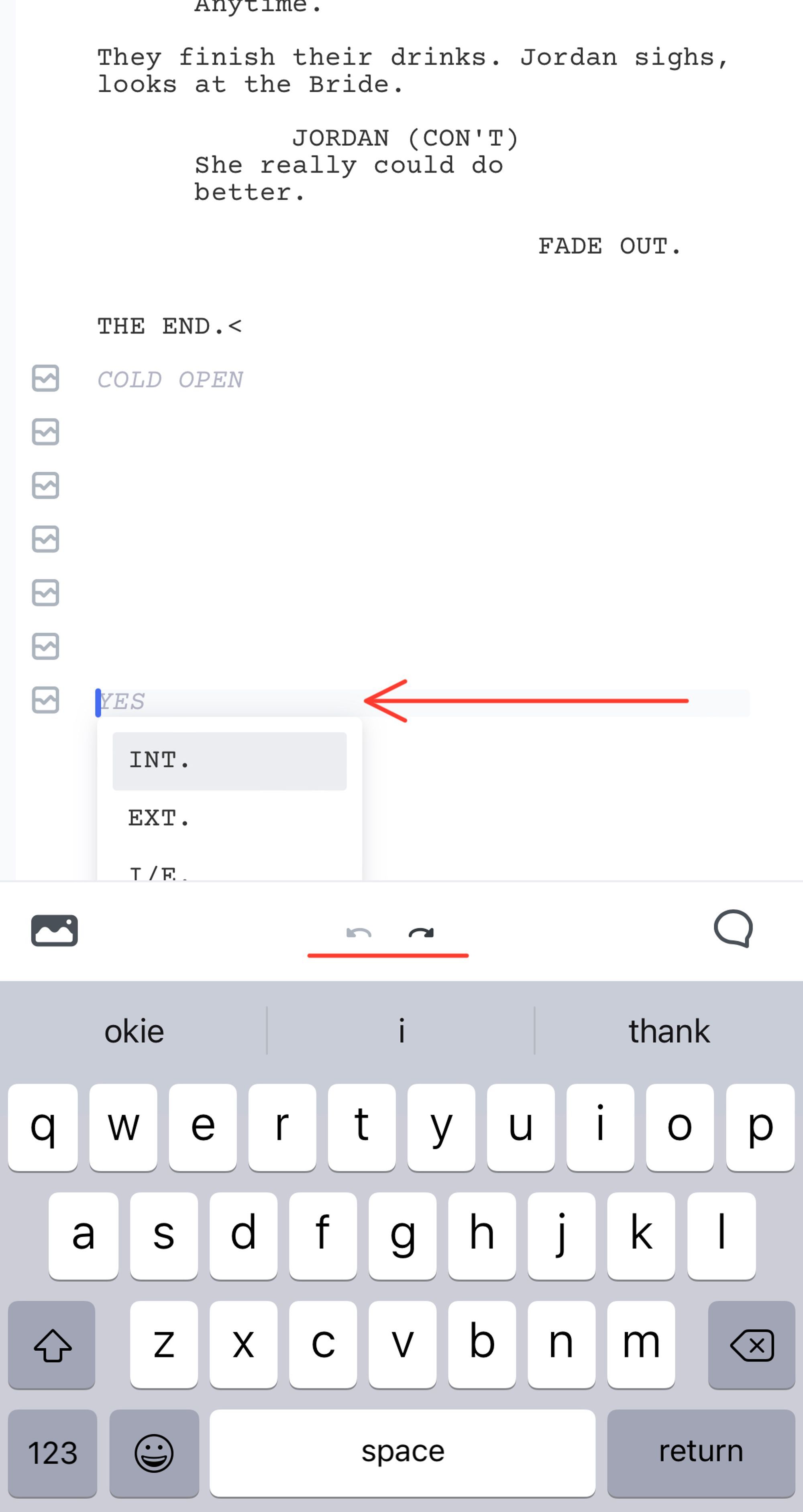
- If you changed your mind and would like to go back to your original action, press the forward arrow.