How Do I View the Changes Made In an Old Draft?
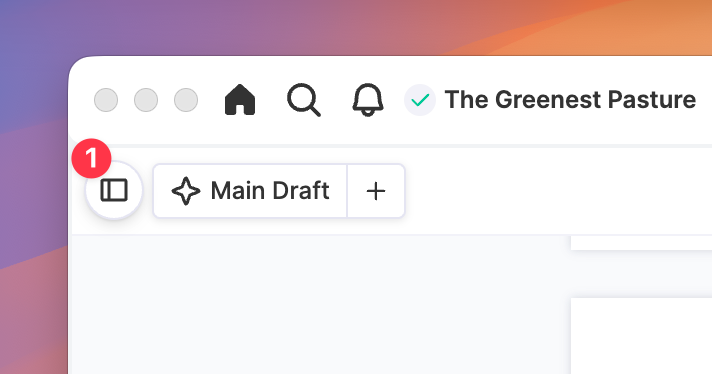
- Open the left sidebar
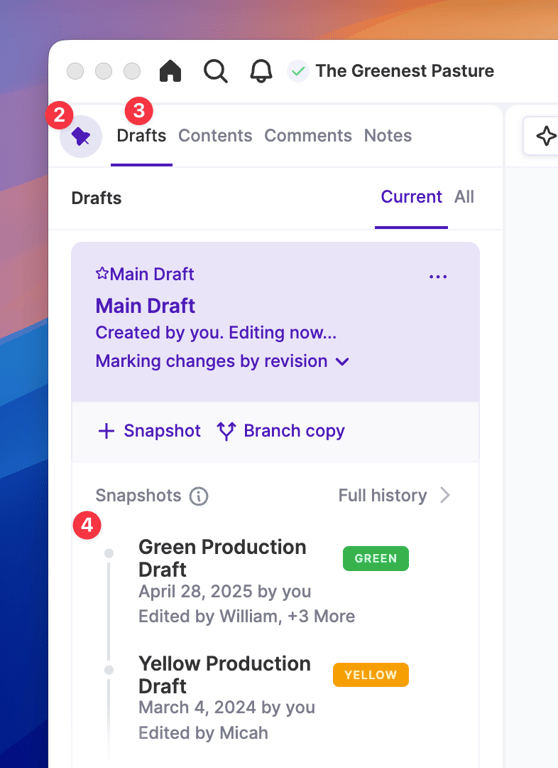
- Pin the sidebar to keep it open
- Select Drafts
- Click on the desired Snapshot in the Drafts sidebar.
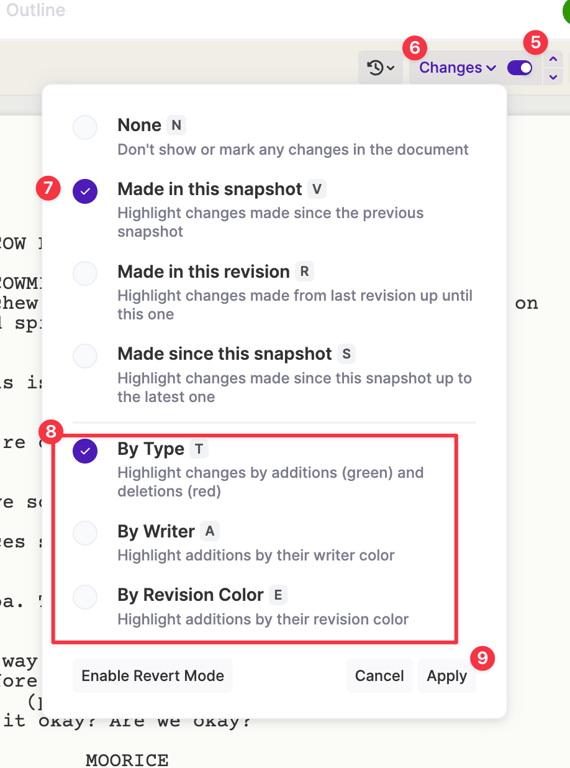
- Toggle on changes if they aren’t already. (The slider should be purple.
- Click on Changes to open the menu
- Select Made in this snapshot
- Select how you want to view the changes (By Type, By Writer or By Revision Color)
- Click Apply