How Do I Change the Font in the Editor?
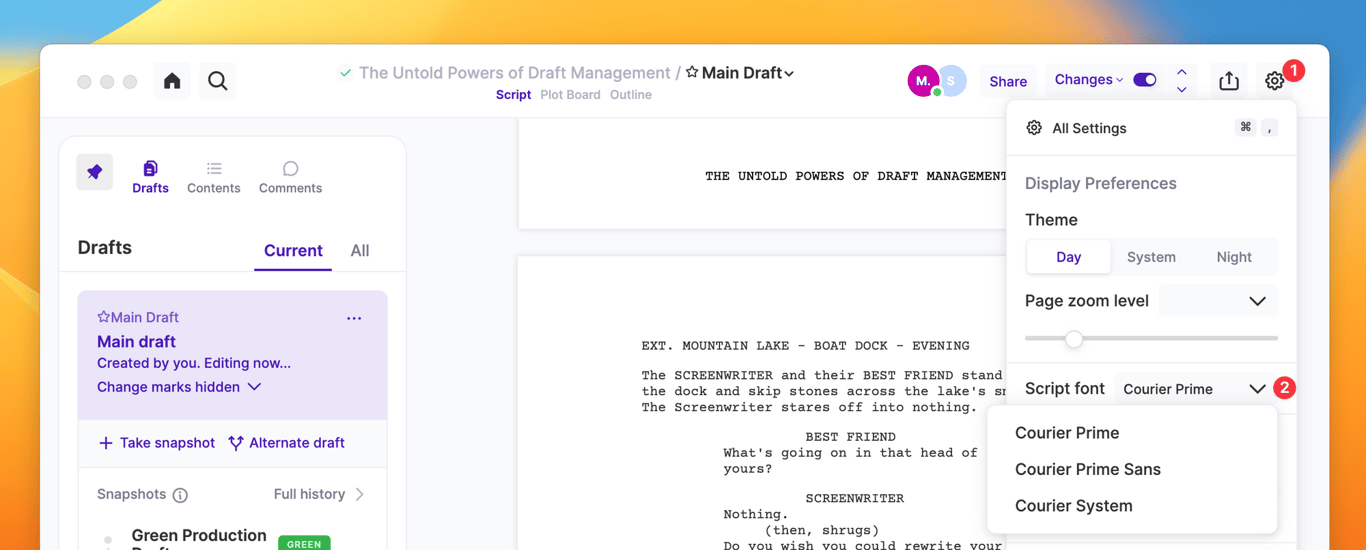
You can adjust the font in the editor in the Settings menu.
- Click the Settings ‘gear icon’ in the top right.
- Use the ‘Script font’ drop down menu to select from:
- Courier Prime (default)
- Courier Prime Sans
- Courier System (the courier font that is installed on your system)