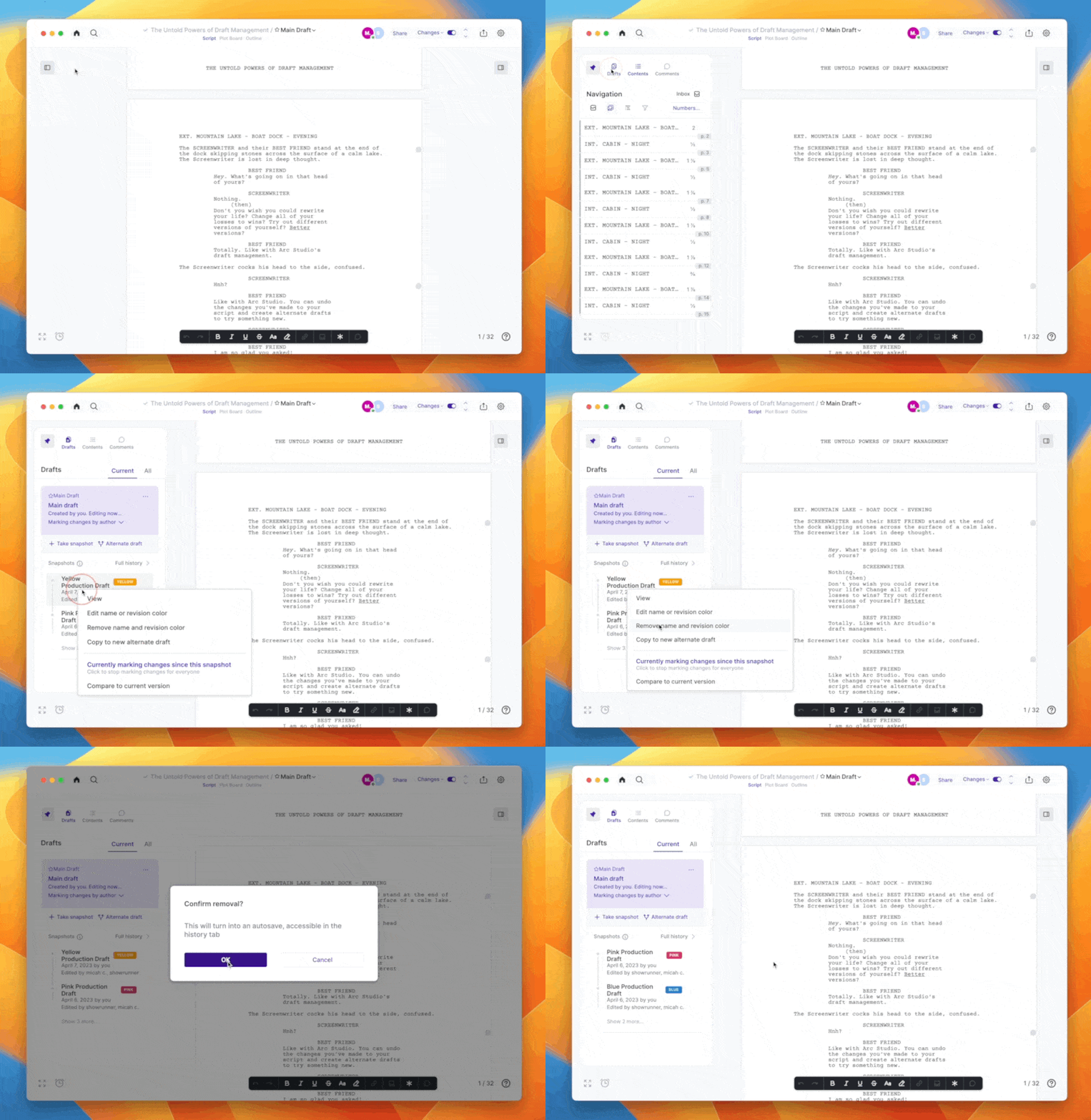
How Do I Remove a Revision?
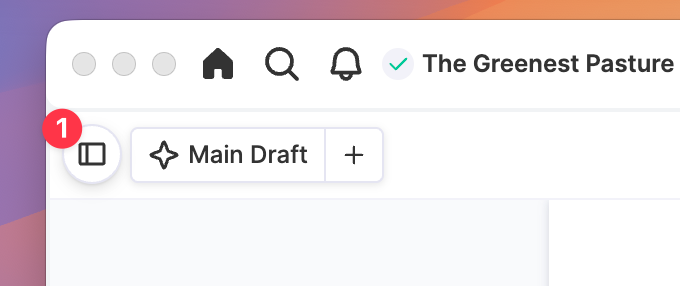
- Open the left sidebar
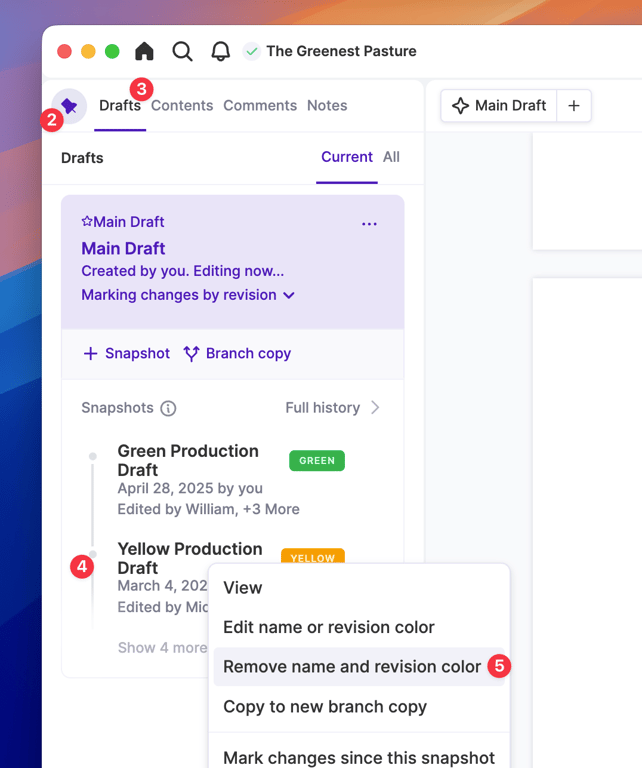
- Pin the sidebar if you want to keep it open
- Click on Drafts
- Right-click on the draft you want to remove
- Select Remove name and revision color
- Click ‘Ok’ to confirm removal. The revision is now an autosave accessible in your ‘Full history’