
How Do I View All The Script Changes In One Color?
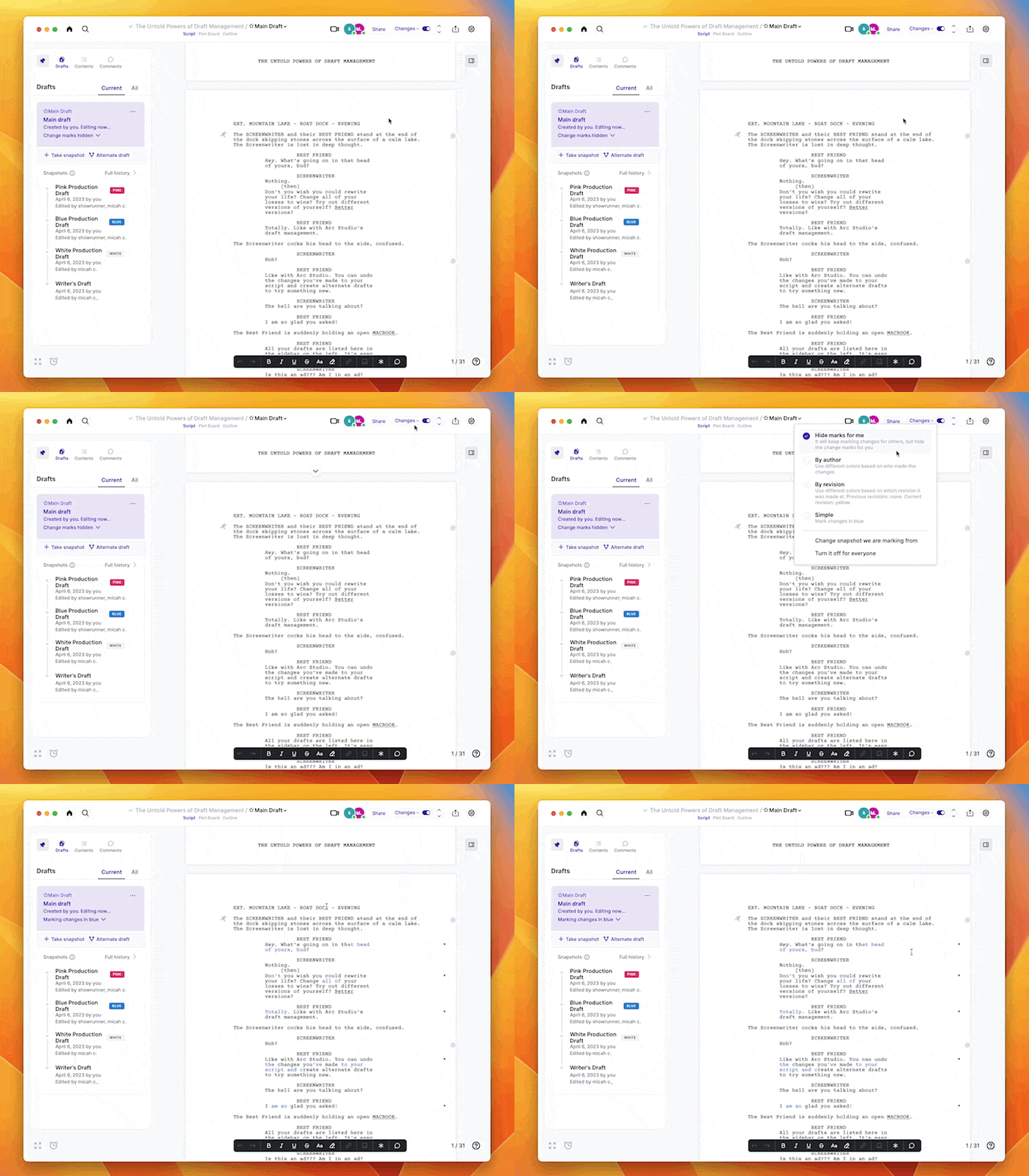
- Make sure you are looking at your current draft. (If not, click ‘Main Draft’ in the title section.)
- Click on the ‘Changes’ menu in the tool bar.
- Select ‘Simple’ in the dropdown menu.
If you want to change which Draft you’re comparing changes to, see: