
How Do I Manage Who Can Export Scripts From a Project?
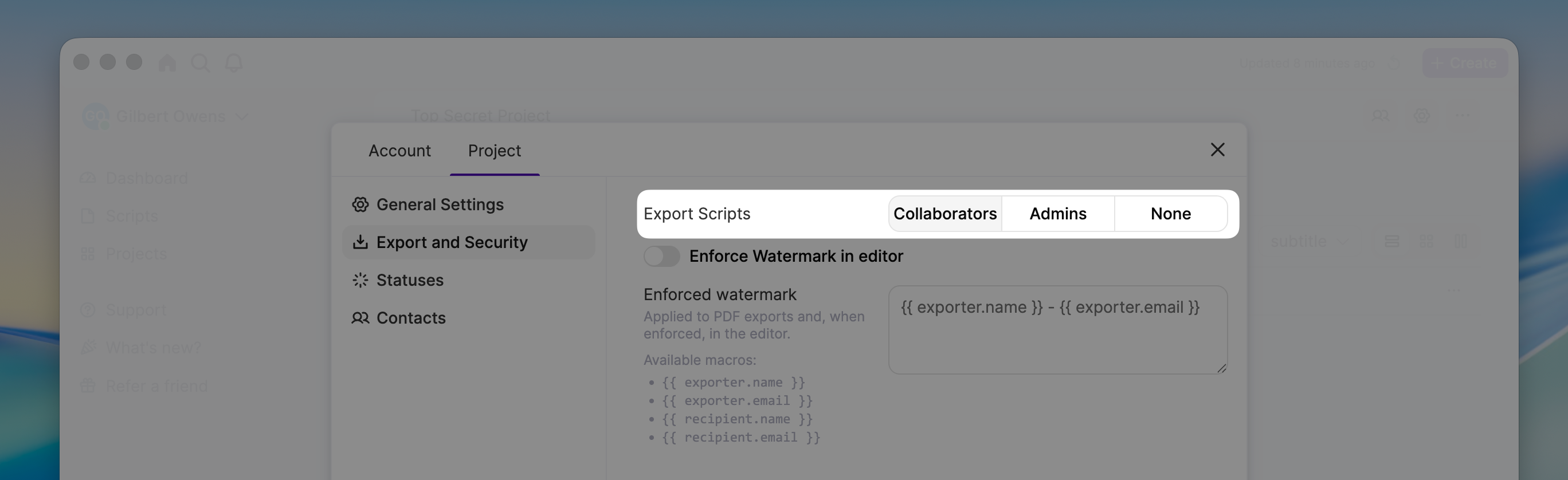
You can manage who can export scripts from a project via the Export and Security section of the Project Settings.
In the settings you can choose which project members are allowed to export scripts from the project:
- Collaborators (Collaborators with “Can edit” or “Admin” privileges can export)
- Admins (Only collaborators with “Admin” privileges can export)
- None (No one can export)
For more on inviting collaborators to a project and managing their access level see: