How Do I Reply to or Resolve Beat Comments on the Plot Board?
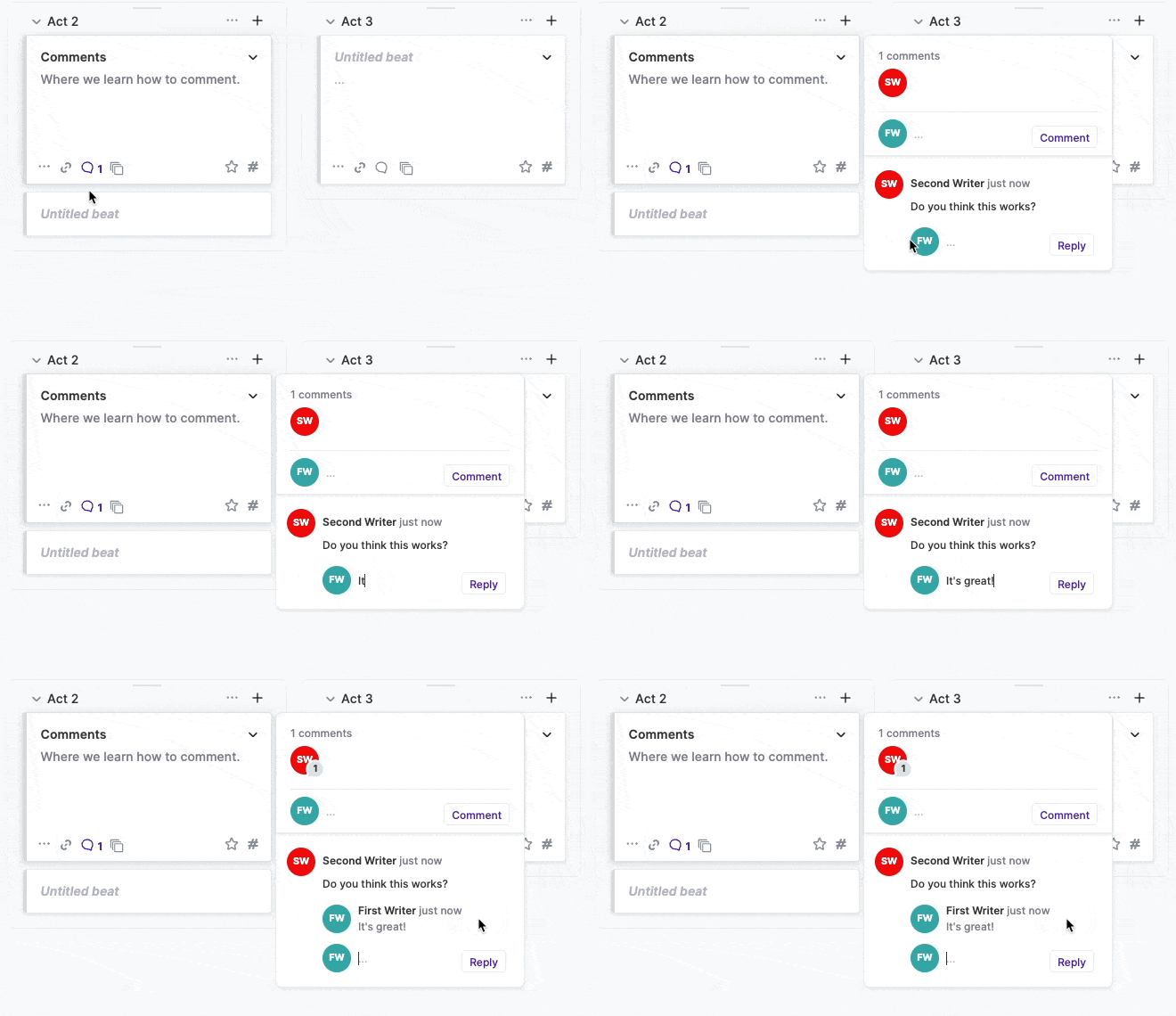
To reply to a comment:
Section titled “To reply to a comment:”- Click on the speech bubble icon or use the keyboard shortcut ‘Cmd + Option + M’ to open the comment window.
- Click on the reply area underneath the comment and write your reply.
- When you’re finished, click ‘Reply.’
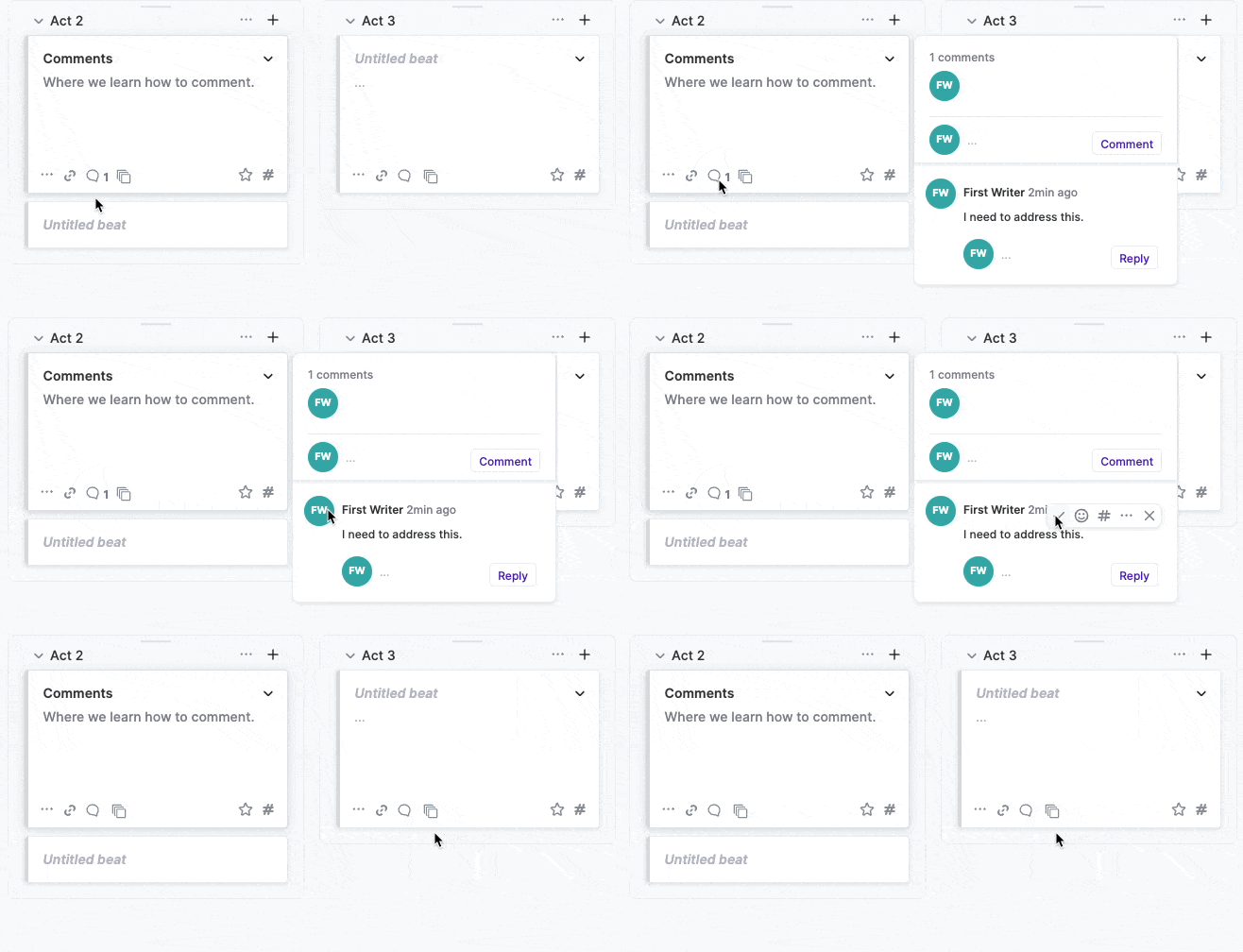
To resolve a comment on a beat:
Section titled “To resolve a comment on a beat:”- Click on the speech bubble icon or use the keyboard shortcut ‘Cmd + Option + M’ to open the comment window.
- Hover your cursor over the comment you want to resolve.
- Click the check mark. The resolved comment will disappear, and the number of unresolved comments on the beat’s comment icon will decrease by one.