
How Do I Apply A Format Template to an Existing Script?
You can apply a format template that you’ve previously created to an existing script.
To apply the format to a script:
- Click on Settings (Gear Icon), then
All Settings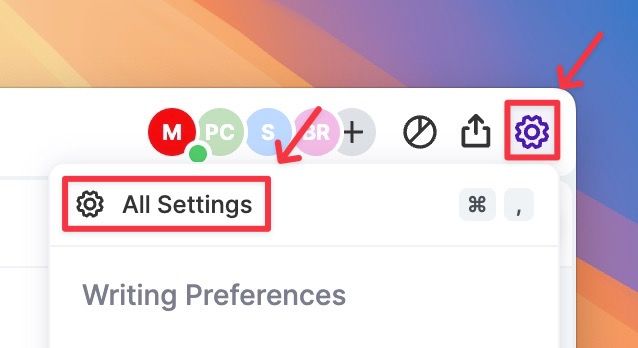
- Click on
Page Layouton the left, thenApply template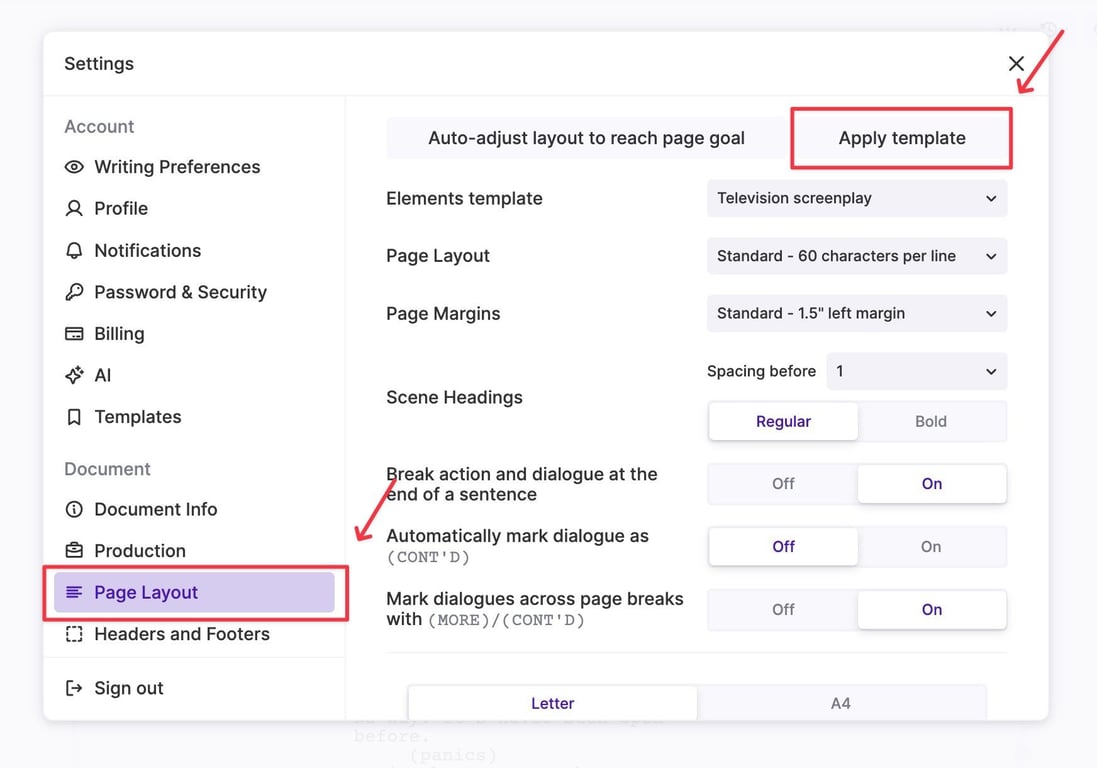
- Select the template from the dropdown menu and click
OK
See also: