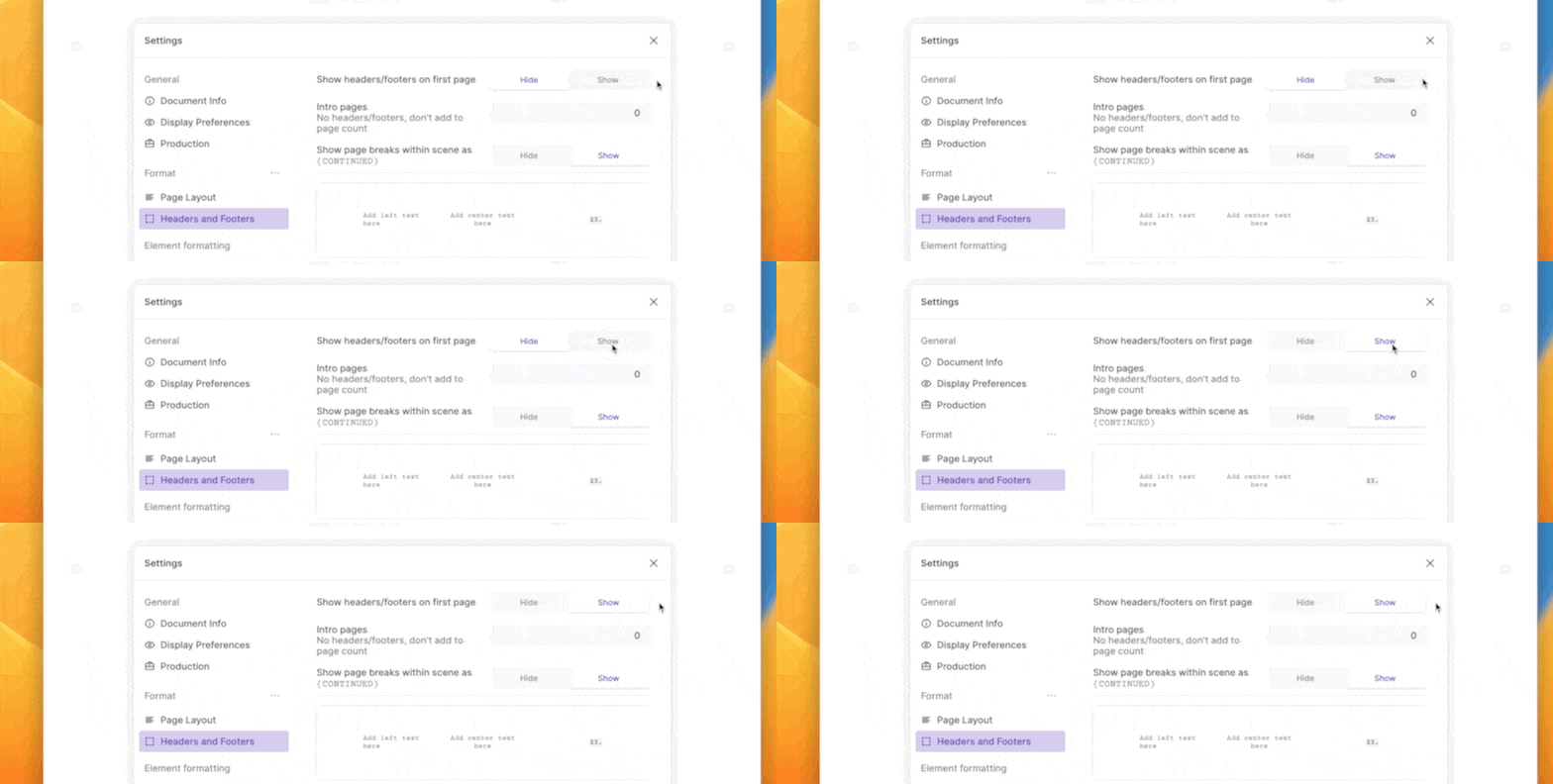
How Do I Show Headers and Footers On the First Page?
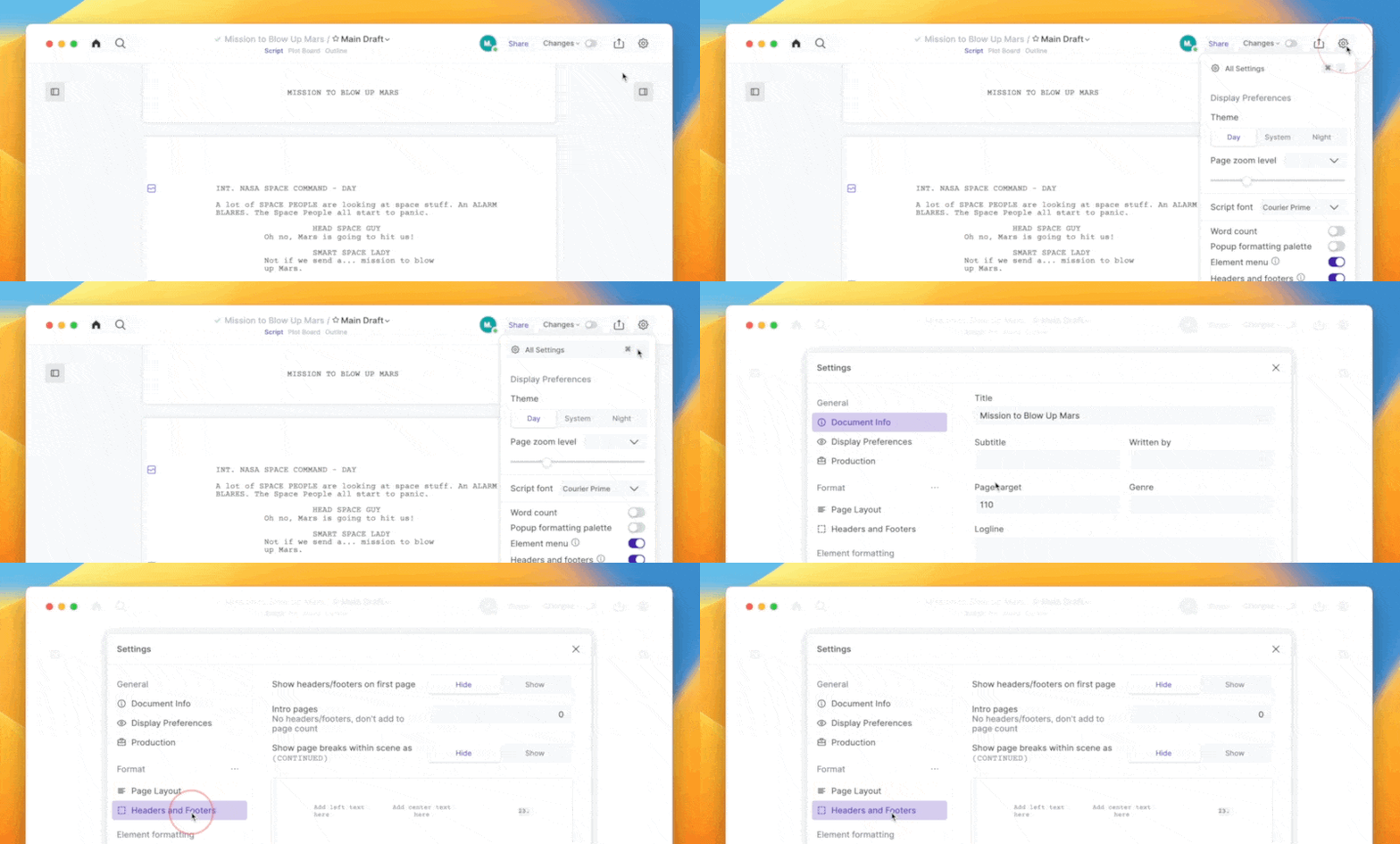
You can choose to show Headers and Footers on the first page in the Settings menu.
- Access the Settings menu with the keyboard short cut
⌘ ,or by clicking the Settings ‘gear icon’ and then clicking ‘All settings’ - Select ‘Headers and Footers’ in the menu on the left.
- Next to ‘Show headers/footers on first page’ select ‘Show’