
How Do I Add and Remove Dialog Numbers?
You can add and remove dialog numbers in the ‘Production’ section of the Settings menu.
Dialogue Numbers
Section titled “Dialogue Numbers”You can add and remove dialogue numbers in the ‘Production’ section of the Settings menu.
Access the Settings menu with the keyboard short cut ⌘ , or by clicking the Settings ‘gear icon’ and then clicking ‘All settings’
- Select the Production tab
- Select Dialogue Numbers
- Click Assign
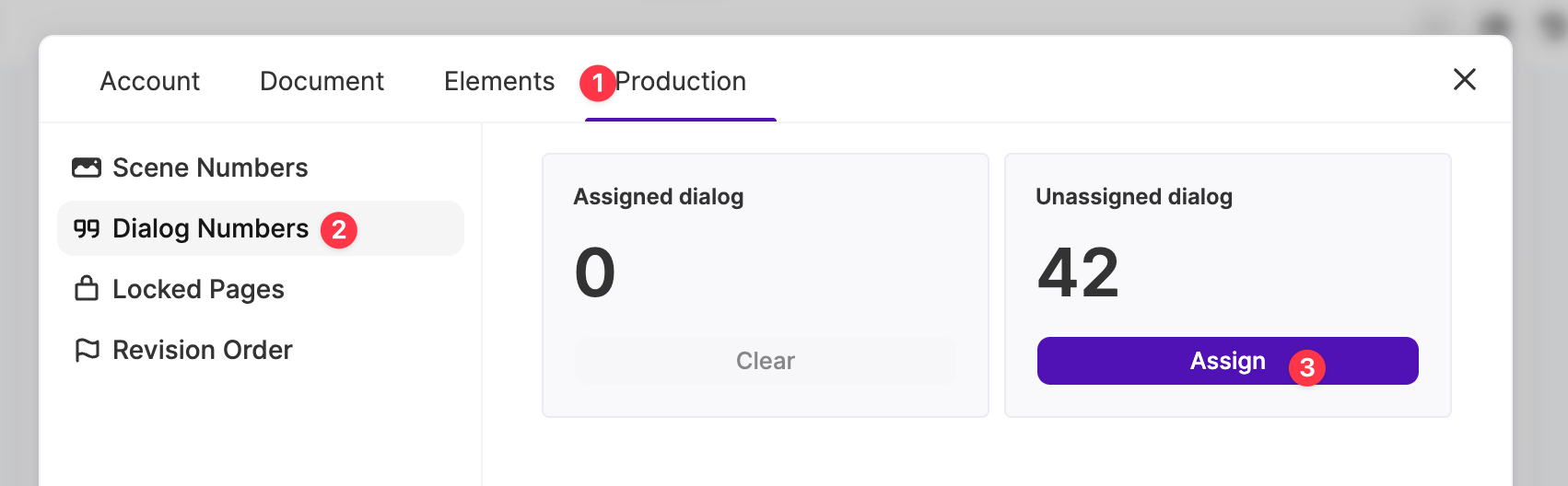
To remove the Dialogue numbers, select ‘Clear’