How Do I Edit My Script Information?
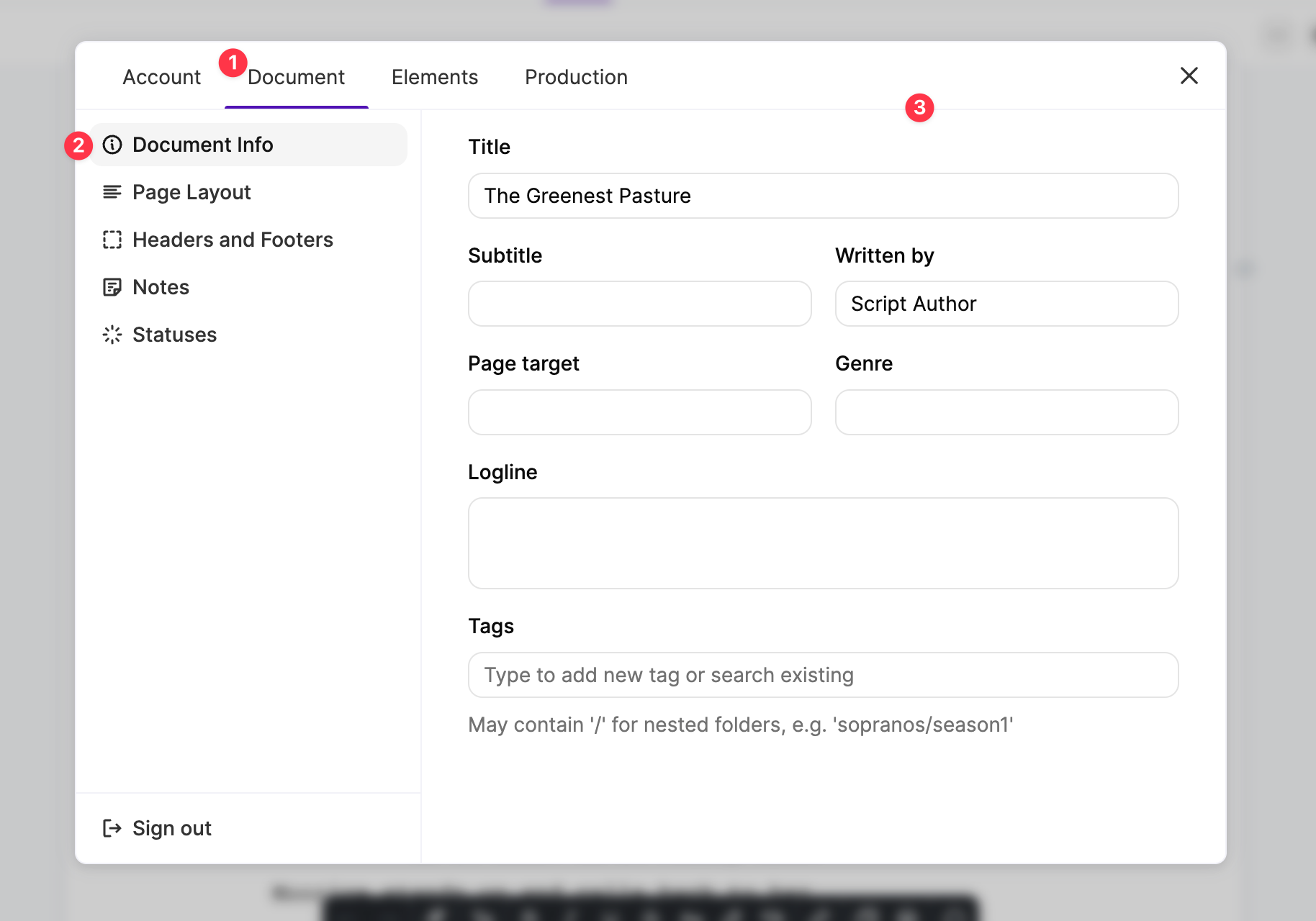
You can edit the script information in the ‘Document Info’ section of the Settings menu.
Access the Settings menu with the keyboard short cut ⌘ , or by clicking the Settings ‘gear icon’ and then clicking ‘All settings’
- Select the Document tab
- Select the ‘Document Info’ section on the left
- Edit the script information