
How Do I Change the Email Address for My Account?
You can change the email address in your account via the settings menu.
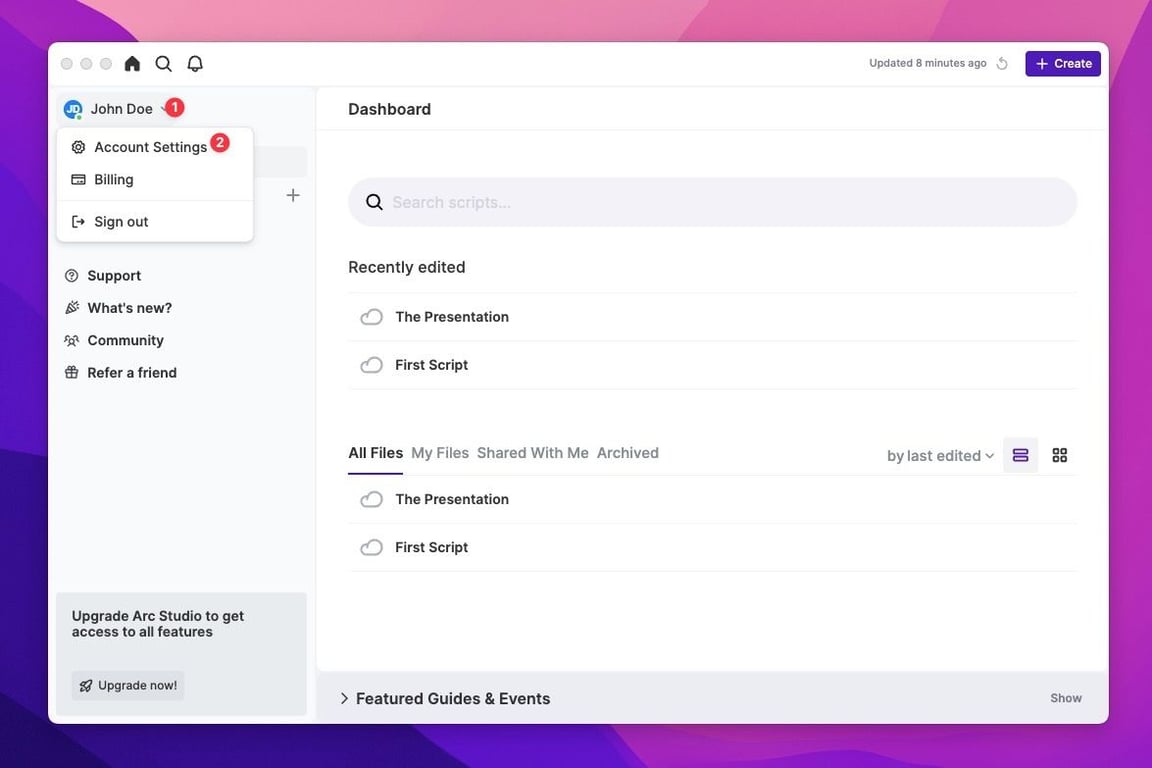
- Navigate to the Desk and click your username in the top left.
- Then click
Account Settings
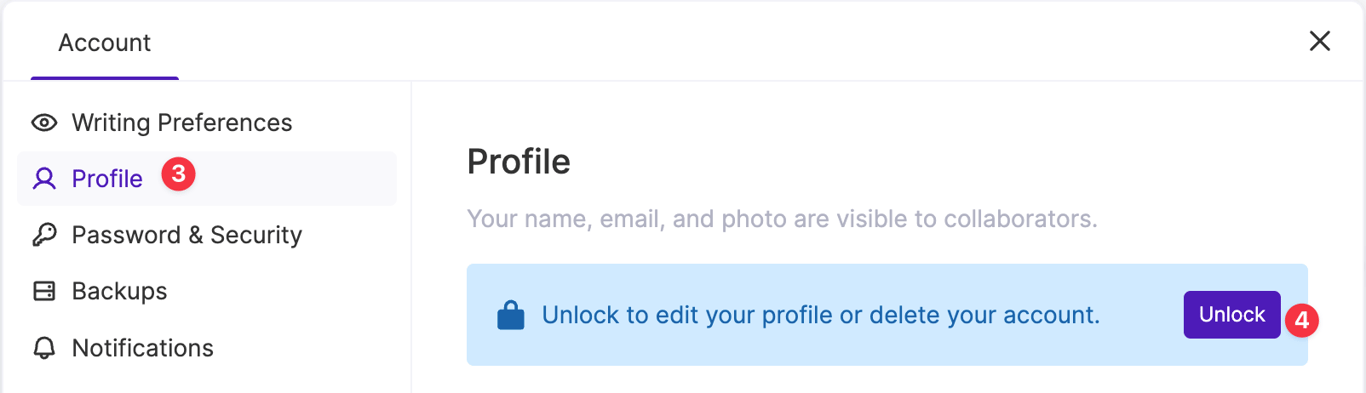
- Select
Profileon the left. - Click
Unlockto make changes
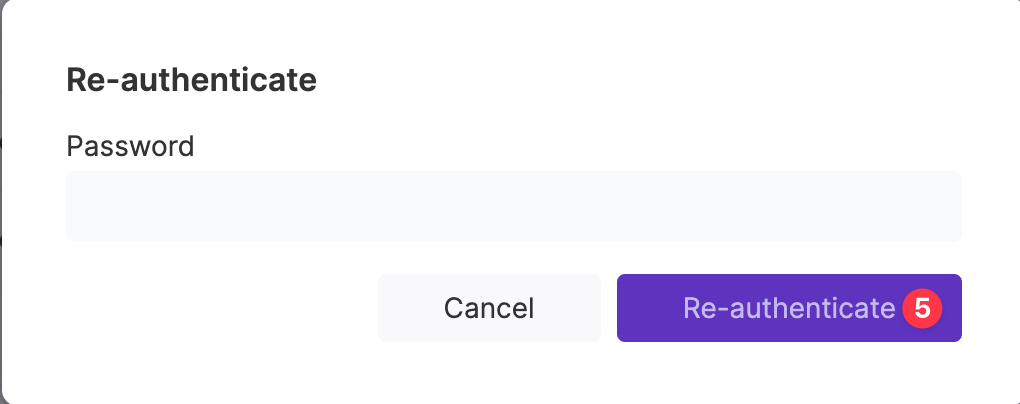
- Enter your password and click
Re-authenticate
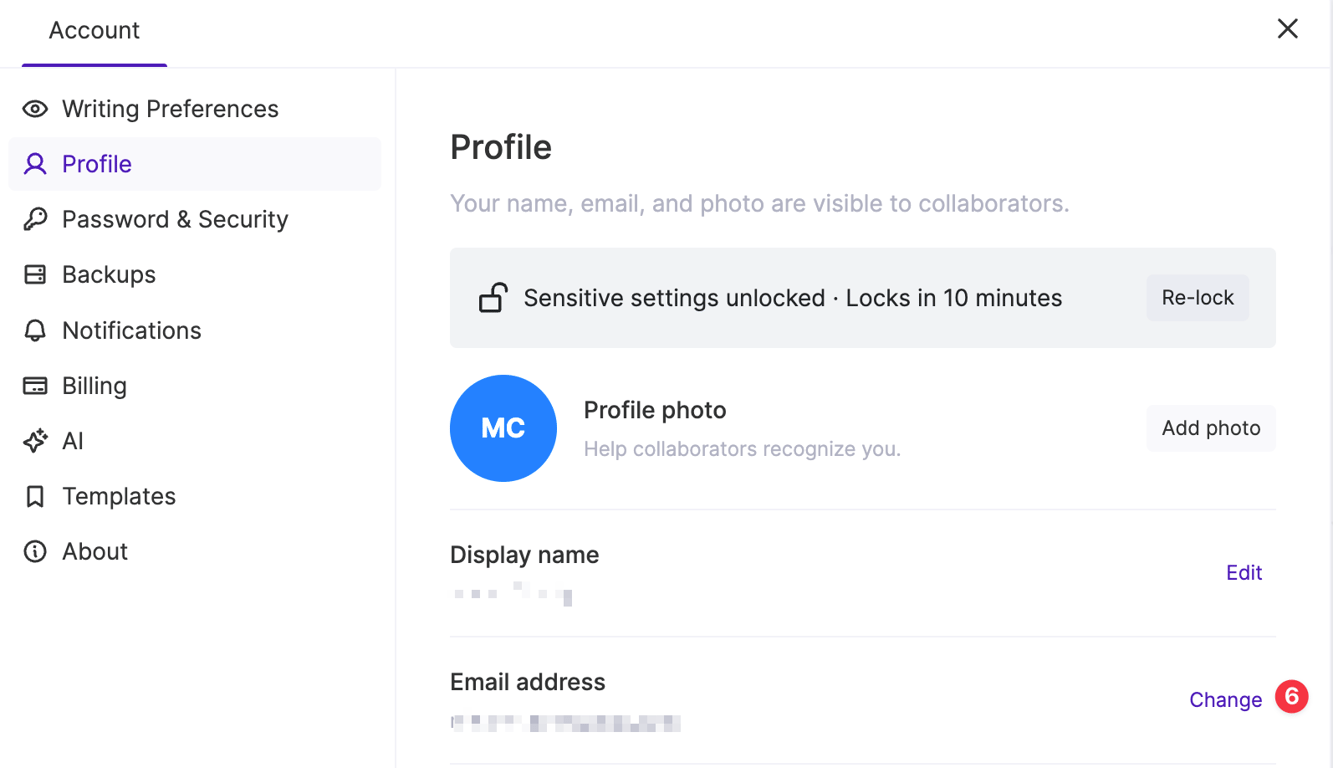
- Find the Email address section and click Change
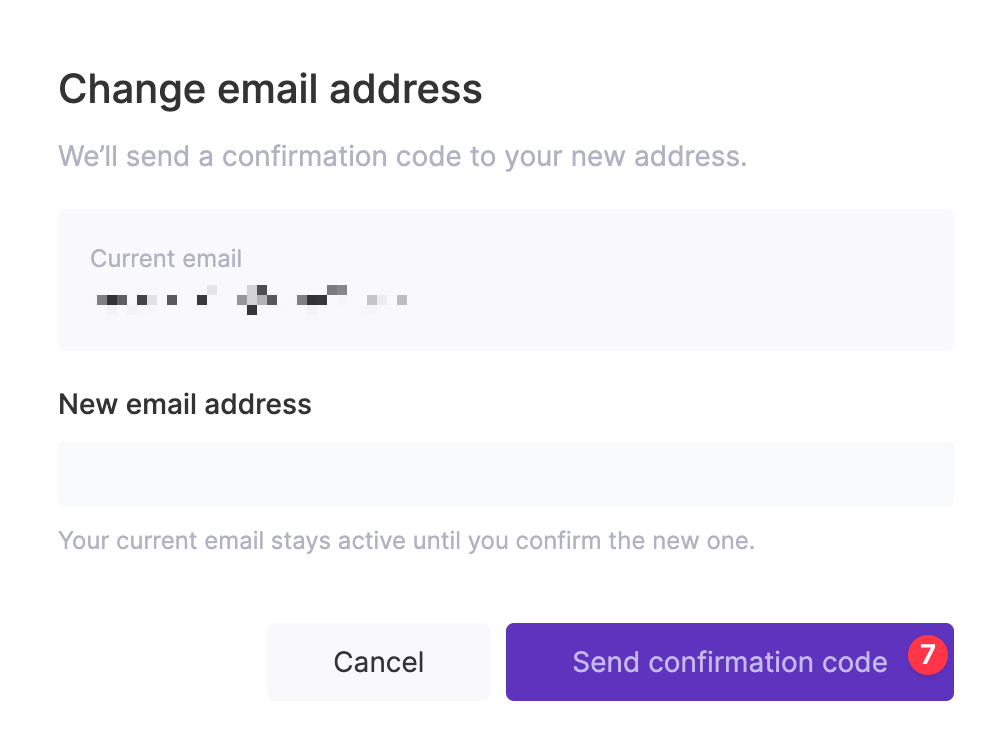
- Enter the new email address and click Send confirmation code. The code will be sent to your new email address.
- Enter the confirmation code that was emailed and click
Confirm email