
How Do I Purchase a Gift Subscription?
You can purchase a gift subscription to Arc Studio Pro for someone else.
To purchase a gift subscription:
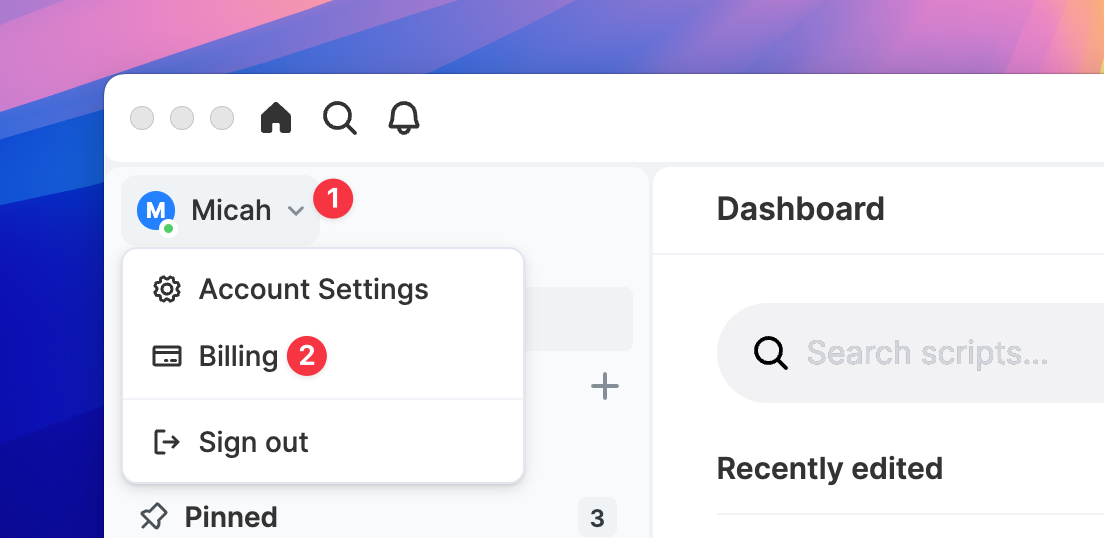
- Navigate to the Desk and click your name in the top left.
- Click on
Billing
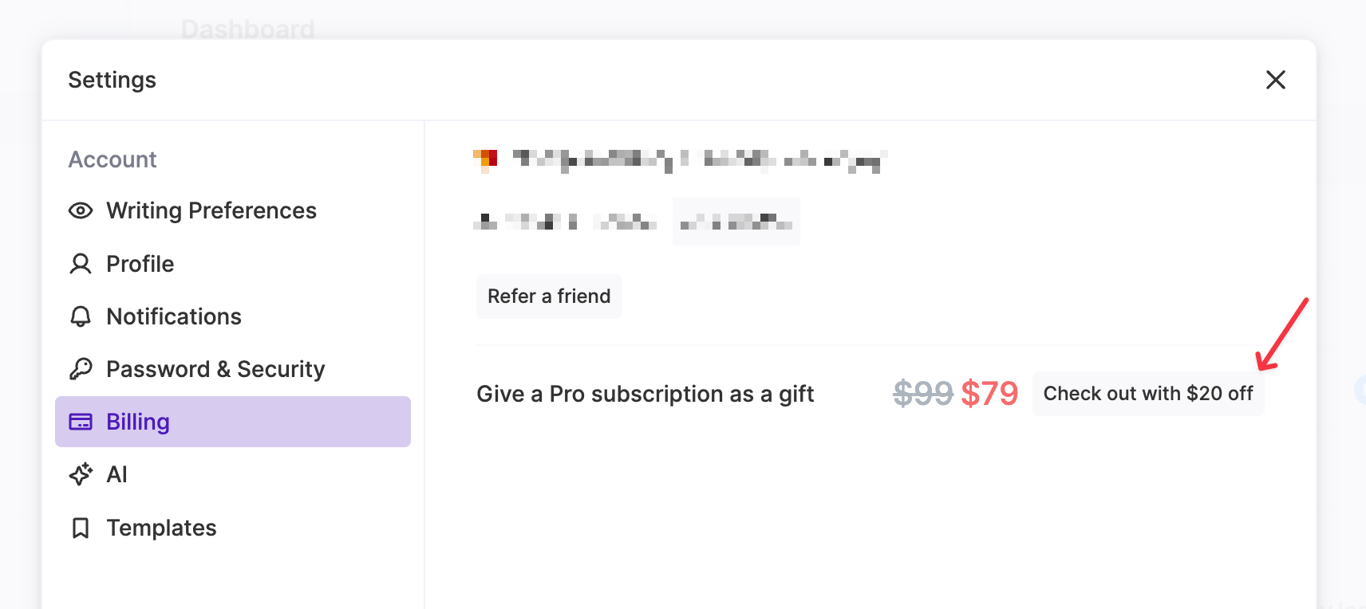
Next to Give a Pro subscription as a gift, click on Check out with $20 off
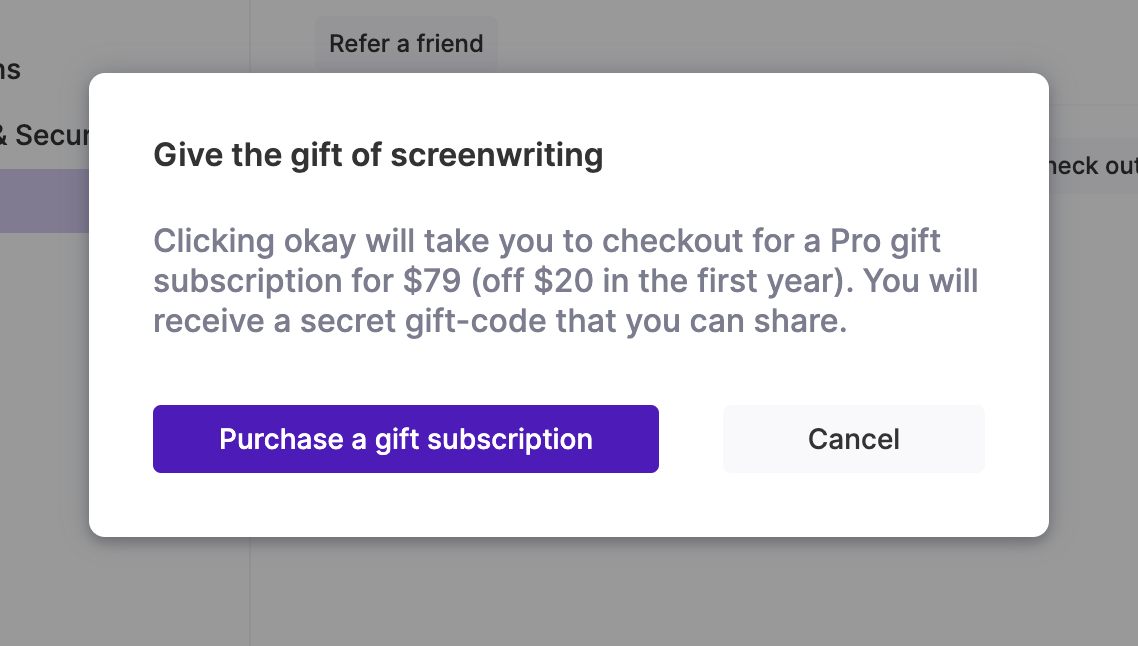
Click on Purchase a gift subscription. This will take you to a checkout page where you can buy the subscription. You will receive a gift code that the recipient can redeem.
More: