
How Do I View Unassigned Scene Numbers?
You can view scene numbers before assigning them.
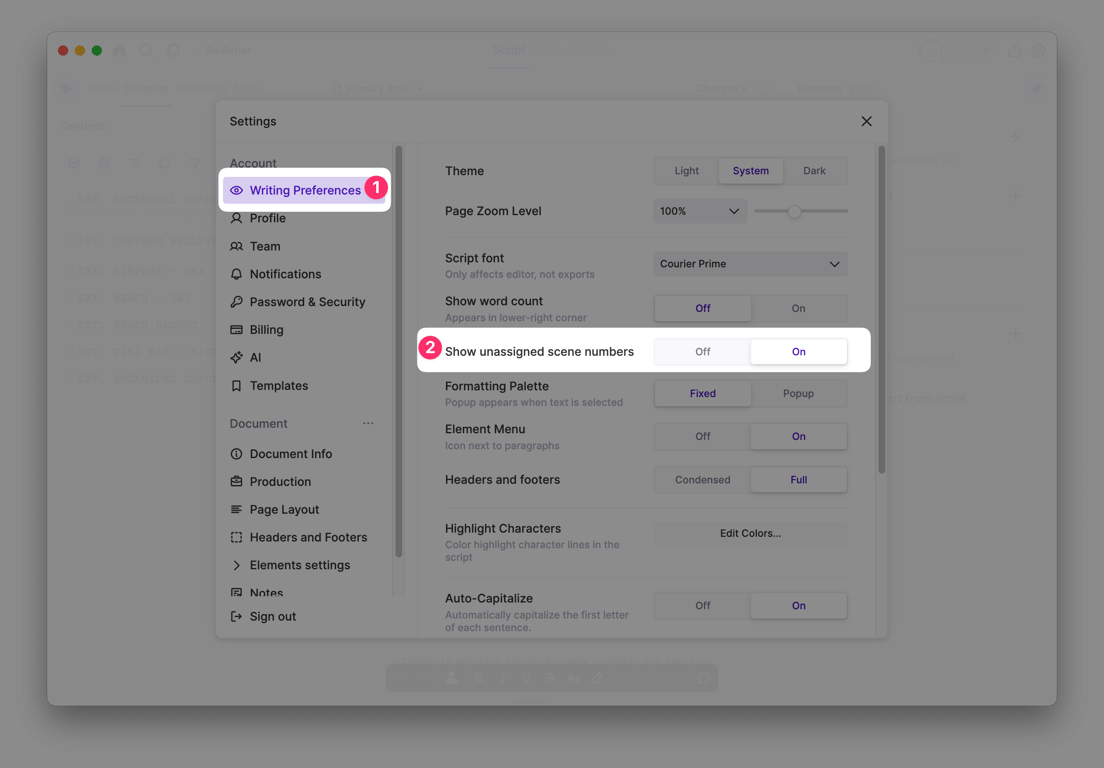
- Access the Settings menu with the keyboard short cut
⌘ ,or by clicking the Settings ‘gear icon’ and then clicking ‘All settings’ - Select the ‘Writing Preferences’ tab on the left.
- Change the appropriate setting to ON.
Read more