
How Do I Create A Note From a Template?
To create a note from a template,
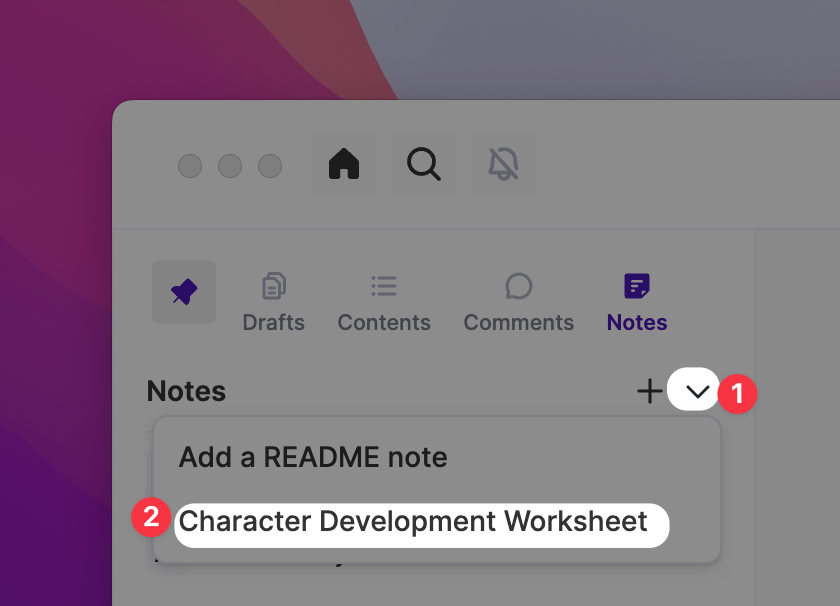
- Click the downward pointing arrow at the top of your notes list.
- Select the template you’d like to create a note from.
A new note will be created from that template. The title of the note will be the name of the template, which you can change.
See also: