
Scene Numbers
Adding and removing scene numbers
Section titled “Adding and removing scene numbers”See How Do I Add and Remove Scene Numbers?.
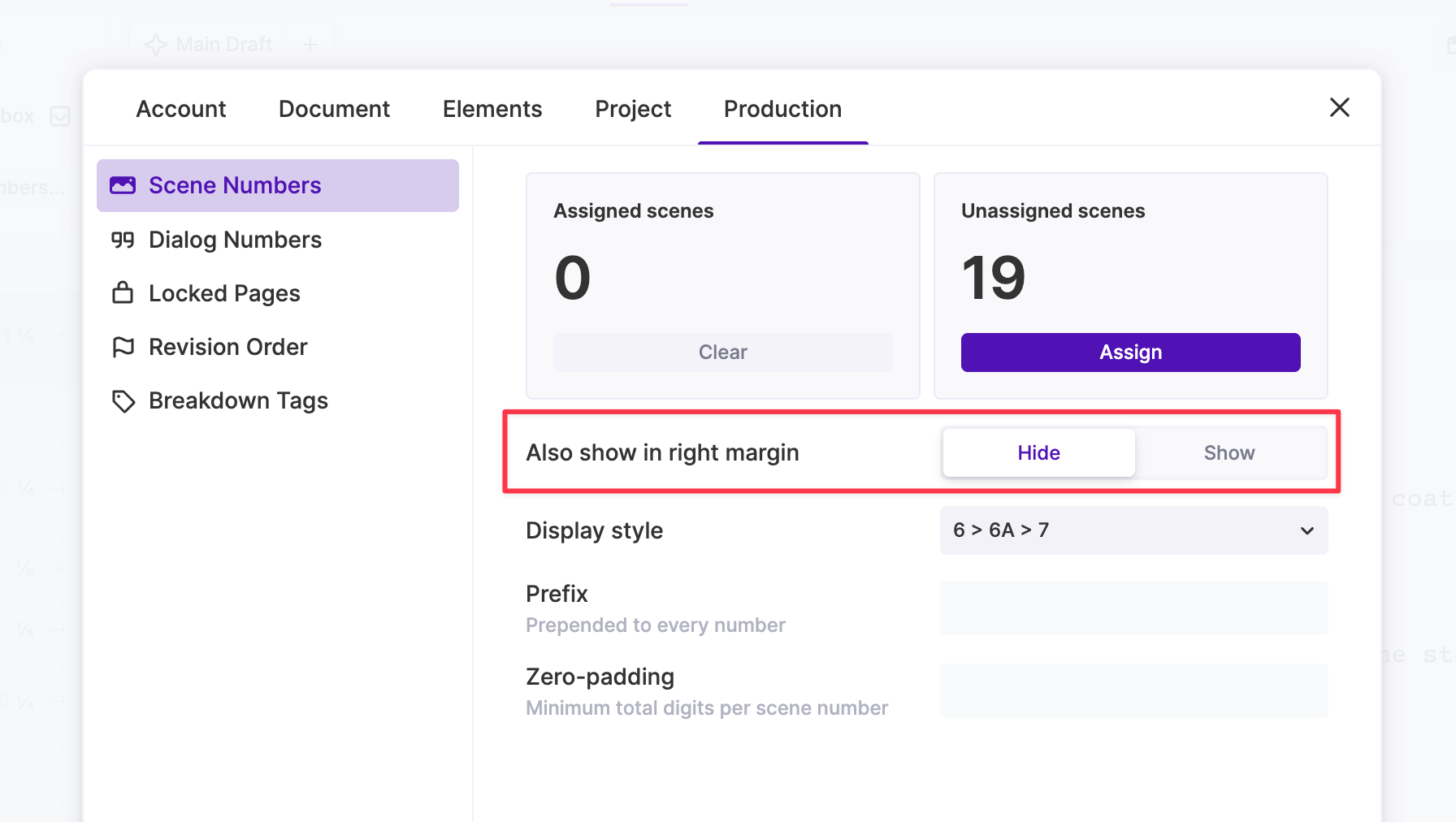
Also show in right margin
Section titled “Also show in right margin”Scene numbers show in the left margin. To add them in the right margin, toggle Also show in right margin to Show. To hide them, toggle it to Hide.
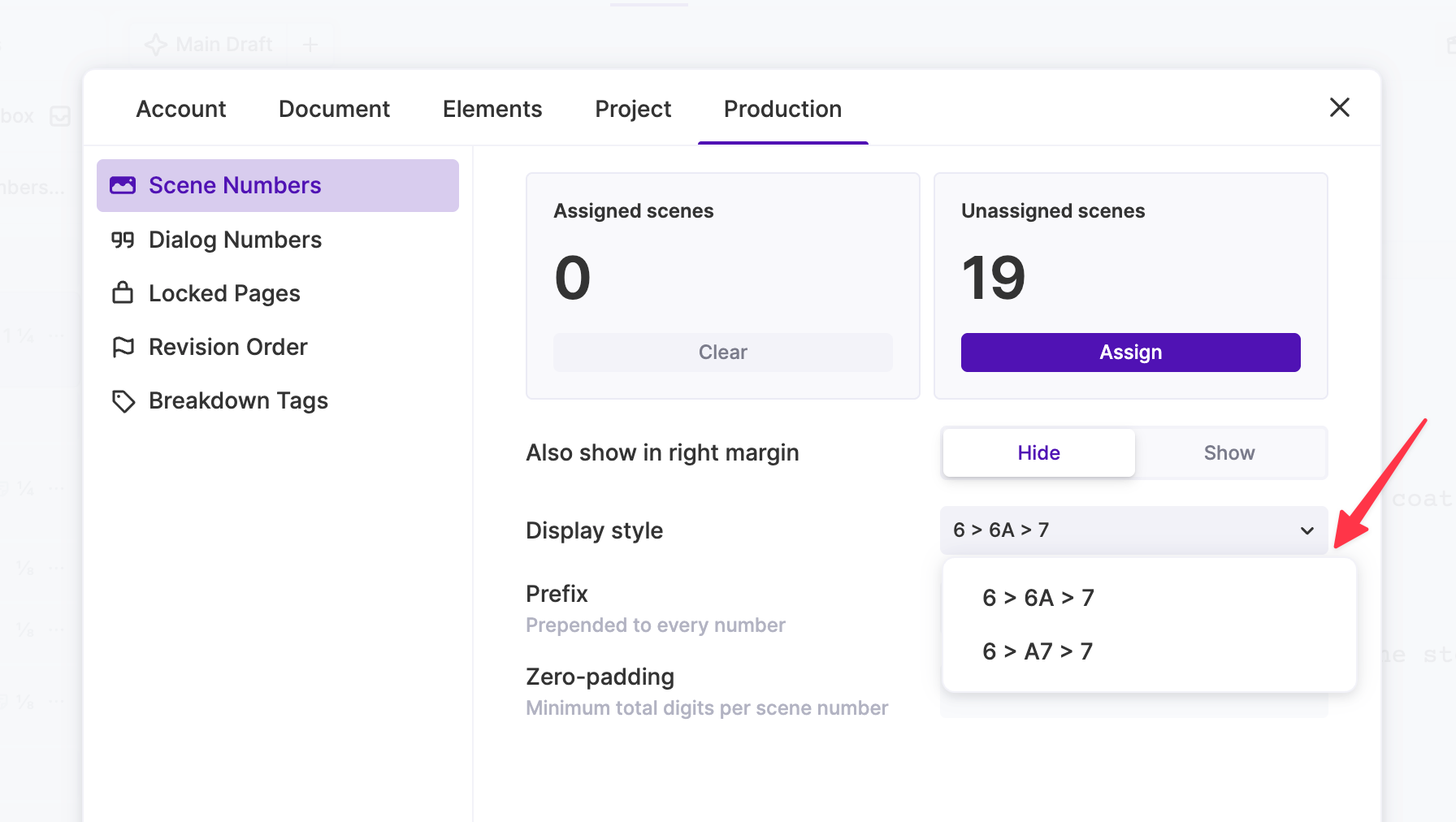
Display style
Section titled “Display style”When “A” scenes are added, you can choose whether the letter comes before or after the scene number.
Prefix
Section titled “Prefix”You can add automatically add a prefix to each scene number, such as the episode number if you’re working on a TV
Zero-padding
Section titled “Zero-padding”You can specify the minimum number of digits for your scene numbers, such as 1, 01, or 001.