How Do I Export A Selection from My Script As a PDF?
- Highlight the portion of your script you’d like to export.
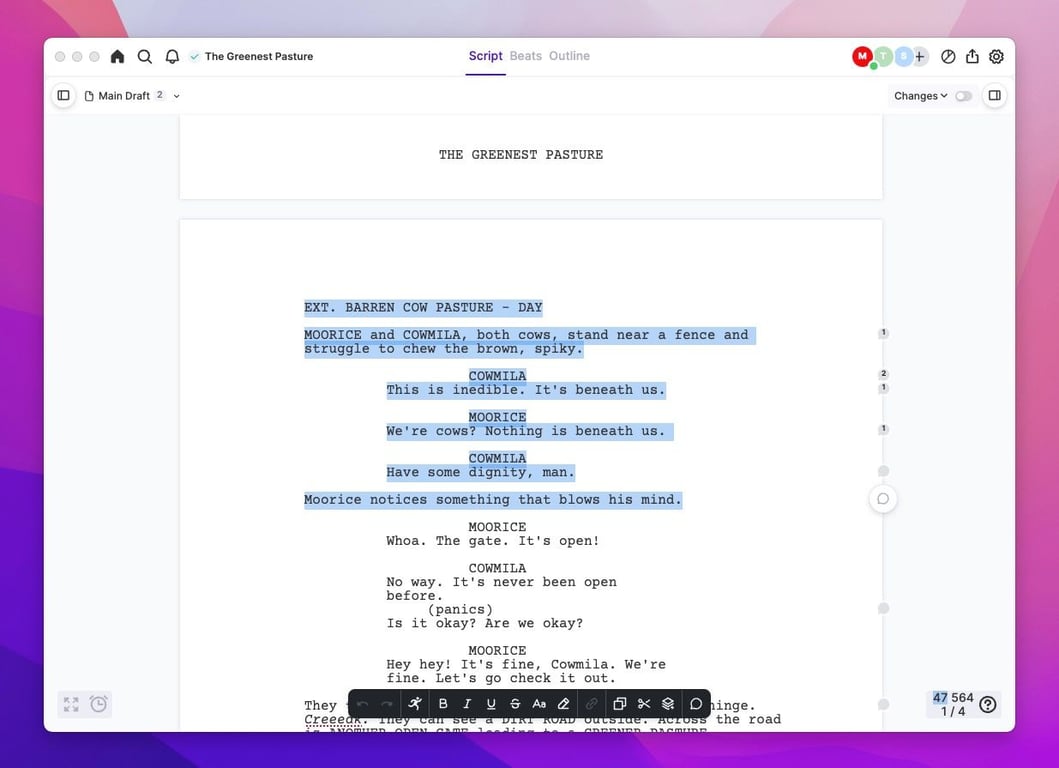
- Click on the Export icon in the top bar.
- Select
Export file…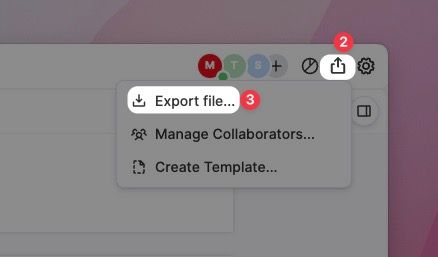
- Click on
PDF - Click on the dropdown menu to the right Export area
- Select
Selected text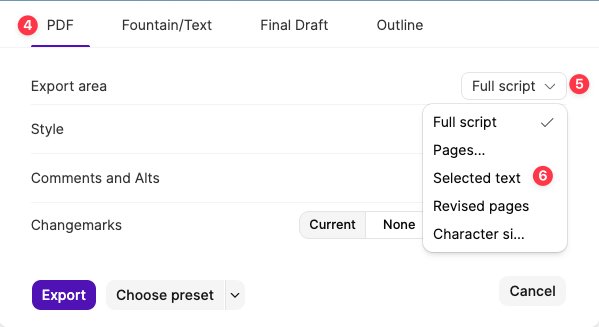
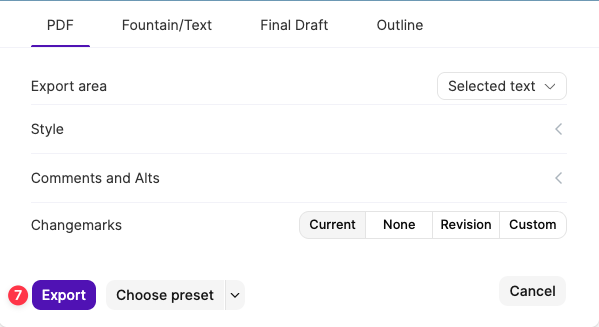
- Select your desired settings from the Style, Comments and Alts, and Changemarks sections. Then click
Export