
How Do I Add an External Link in My Script?
You can add hyperlinks to your script in Arc Studio.
Adding a link
Section titled “Adding a link”- Highlight the text in your script that you would like to add the link to.
- Click on the
Add external linkbutton on the palette bar.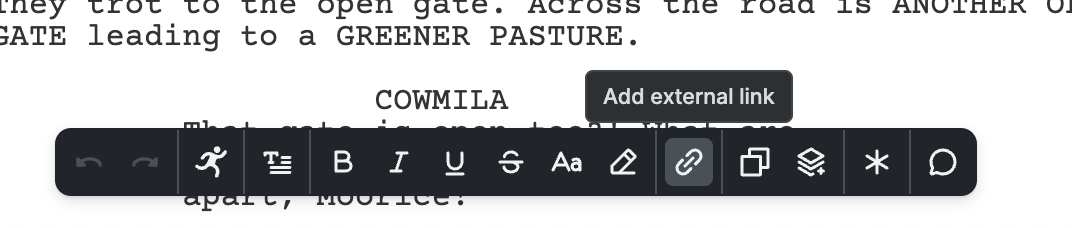
- Type in the web address of the link. Make sure to include
https://www.at the start of the address.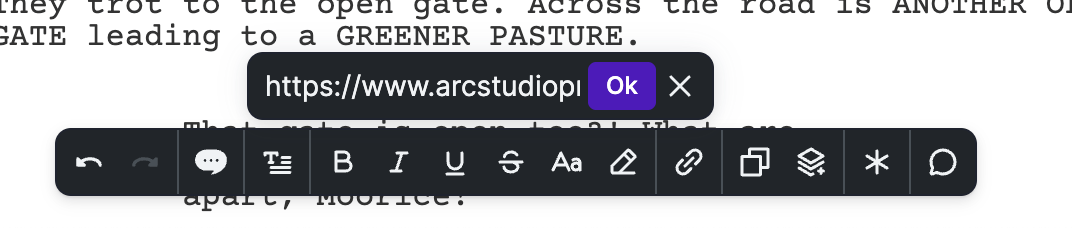
- Click
Ok.
When you export your script as a PDF, the clickable link will be included.