
How Do I Add Watermarks to Script Exports from a Project?
To add watermarks to all PDF exports from scripts in a project, first access the project’s export and security settings.
Add the watermark you want to appear on the scripts to the box next to Enforced watermark
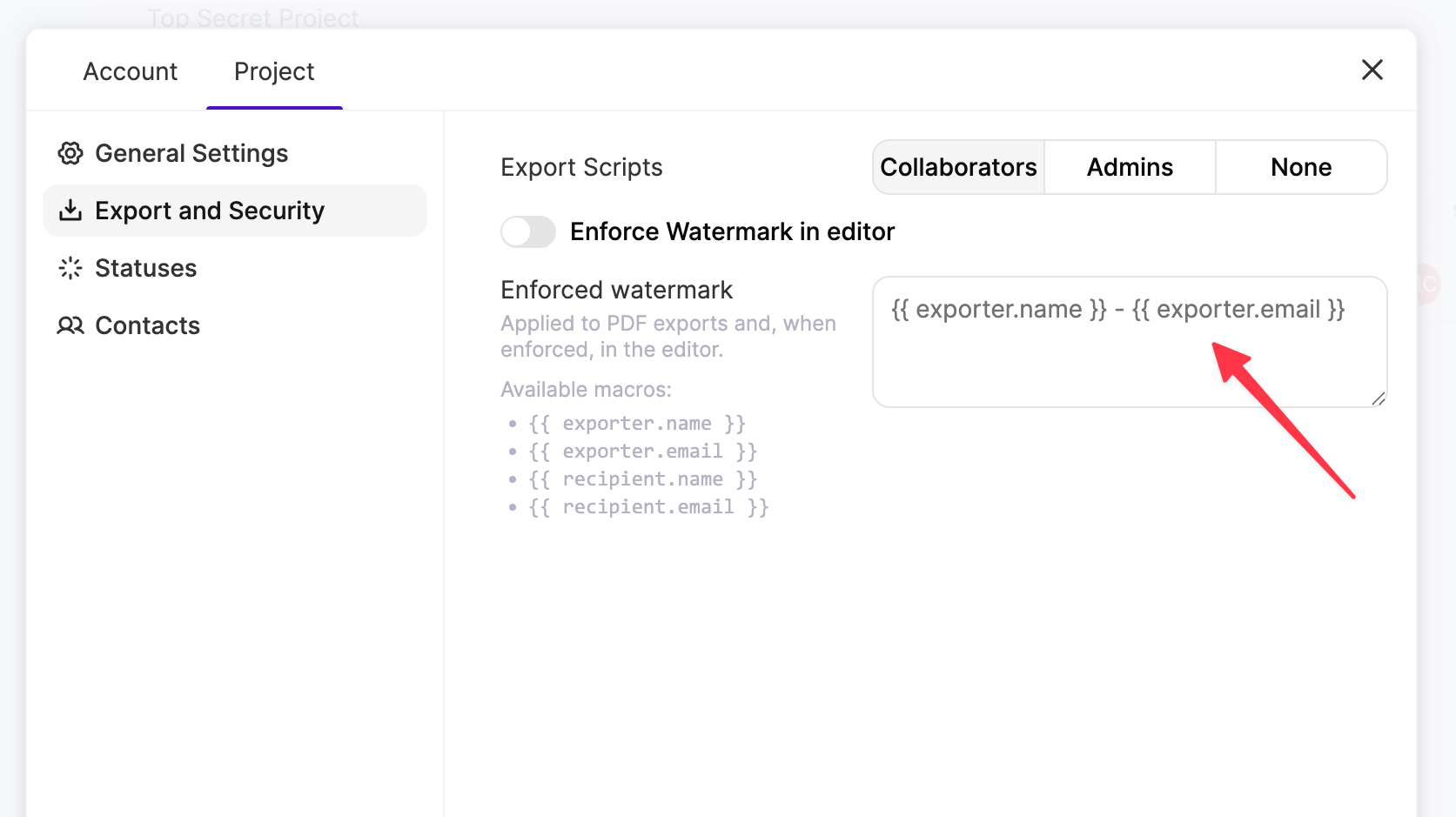
You can use macros to make the watermark, including:
- The name of the exporter
- The email address of the exporter
- The name of the recipient (for emailed scripts)
- The email address of the recipient
To use one of the macros, type it exactly as you see it listed in the “Available macros” list.
You can enter multiple macros.