How Do I View or Add Comments to a Beat on the Plot Board?
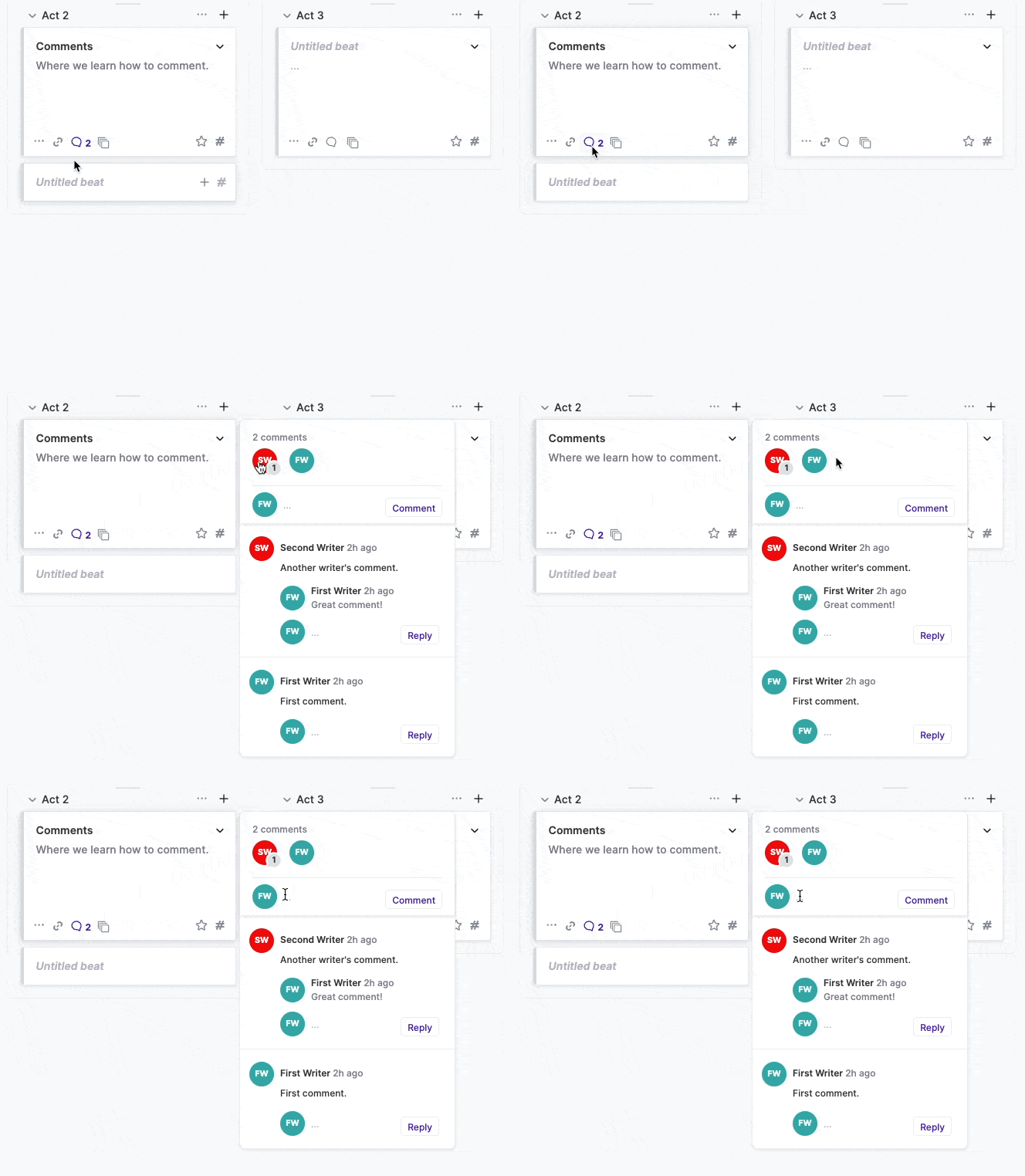
To view a beat’s comments:
Section titled “To view a beat’s comments:”- Click on the speech bubble icon or click on the beat and use the keyboard shortcut ‘Cmd + Option + M’ to open the comment window.
- All the collaborators who have commented on the beat will be shown in the top of the comment window. The number badge shows the number of replies for each comment.
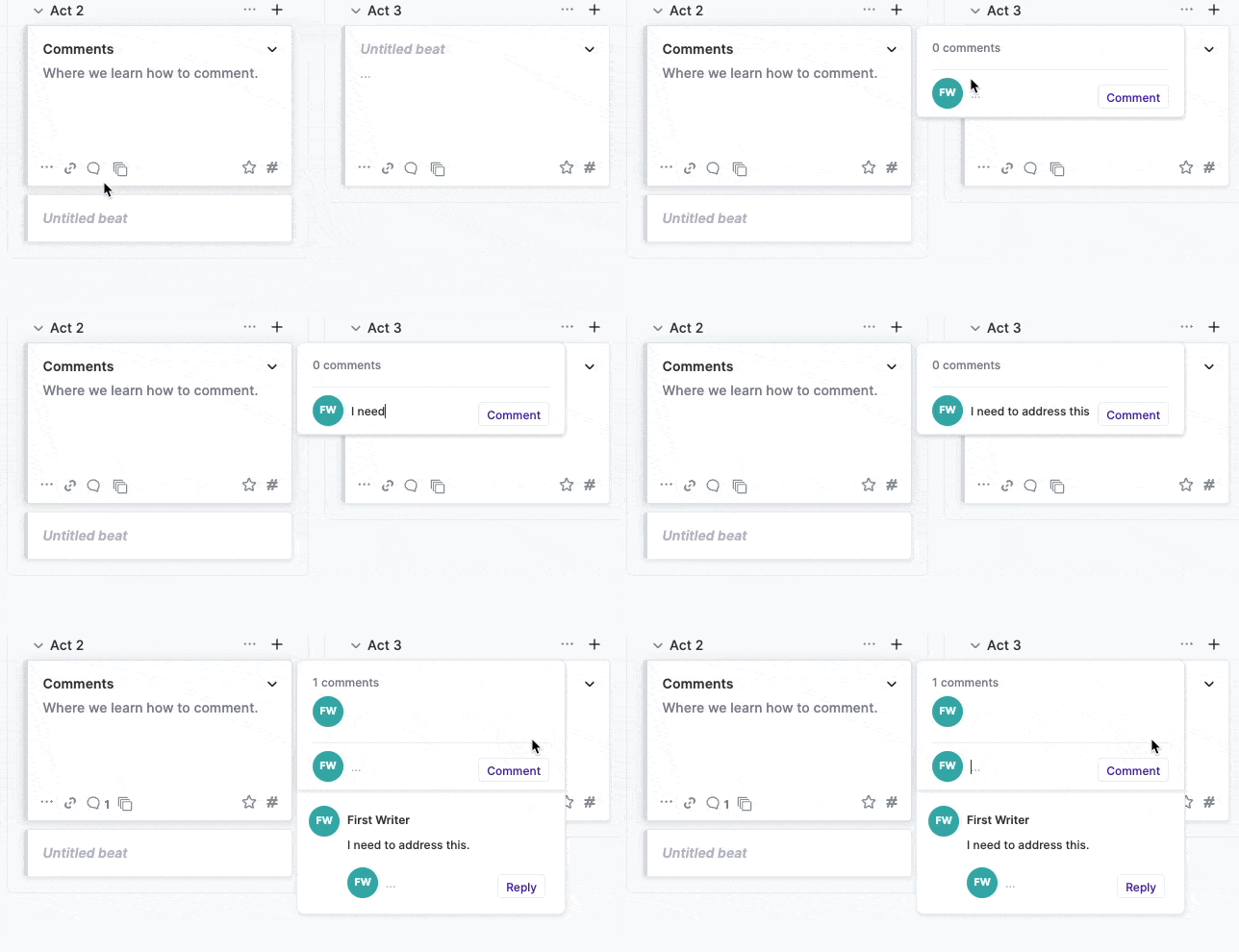
To comment on a beat:
Section titled “To comment on a beat:”- Click on the speech bubble icon or use the keyboard shortcut ‘Cmd + Option + M’ to open the comment window.
- Write your comment. Hit ‘Return’ to move to a new line.
- When you’re finished, click ‘Comment.’