How Do I Add Credits?
Add-on generative AI features, like Table Reads, Character Images, and the Research Assistant are not included in the Arc Studio subscription price and can be utilized by purchasing credits via the settings menu.
Why aren’t these features included in my subscription price?
Section titled “Why aren’t these features included in my subscription price?”We are utilizing a pay-as-you-go credit system because these features are provided by outside parties that charge us every time they are used. Instead of raising our subscription prices for everyone— including customers who don’t use these features—we have instituted this system so payment is based on your usage. You can use them as much or as little as you like, and pay accordingly.
How to purchase credits
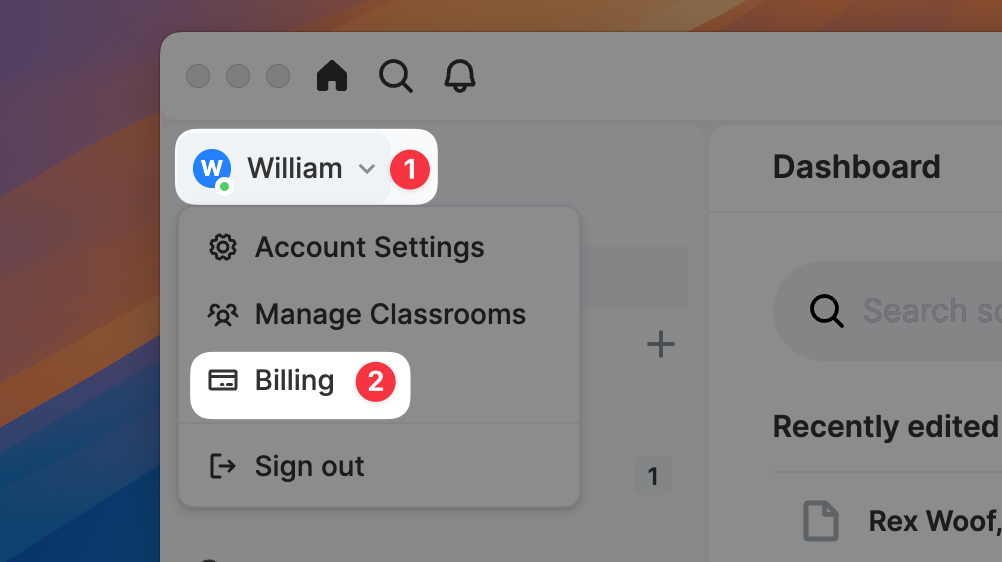
Section titled “How to purchase credits”On the Desk, navigate to your Billing by clicking:
- Your name in the top left.
Billing.
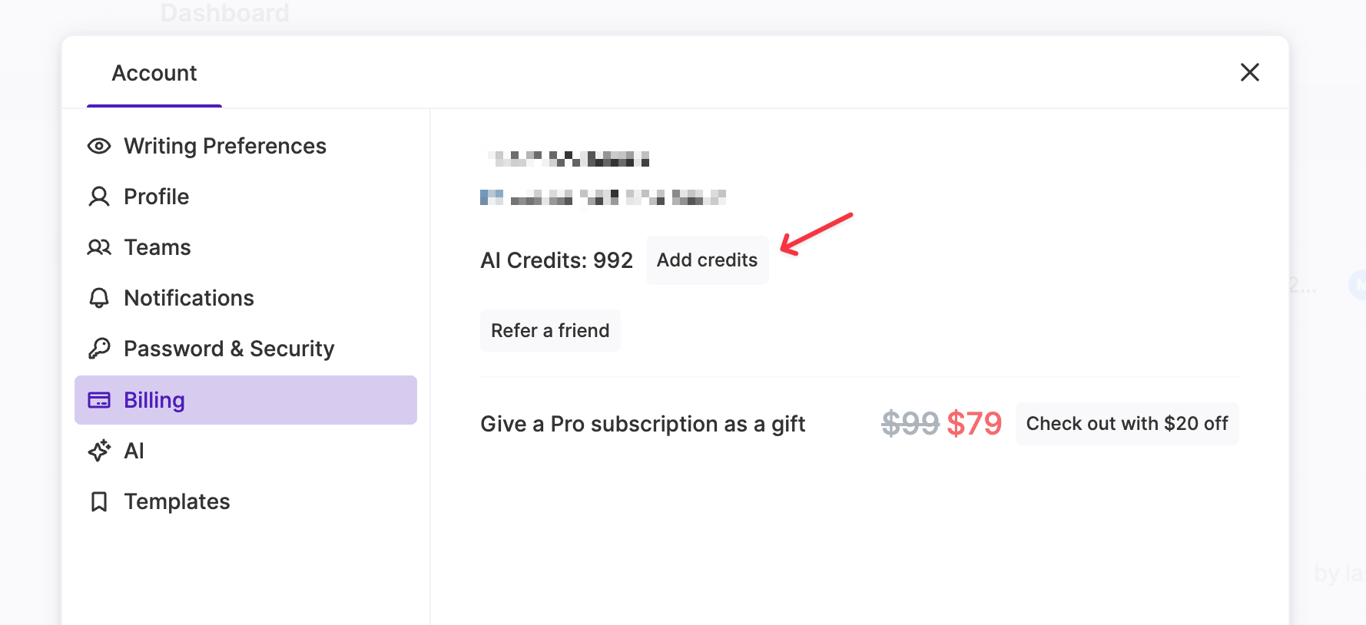
Click Add credits .
Click Purchase to launch the payment window in your browser.

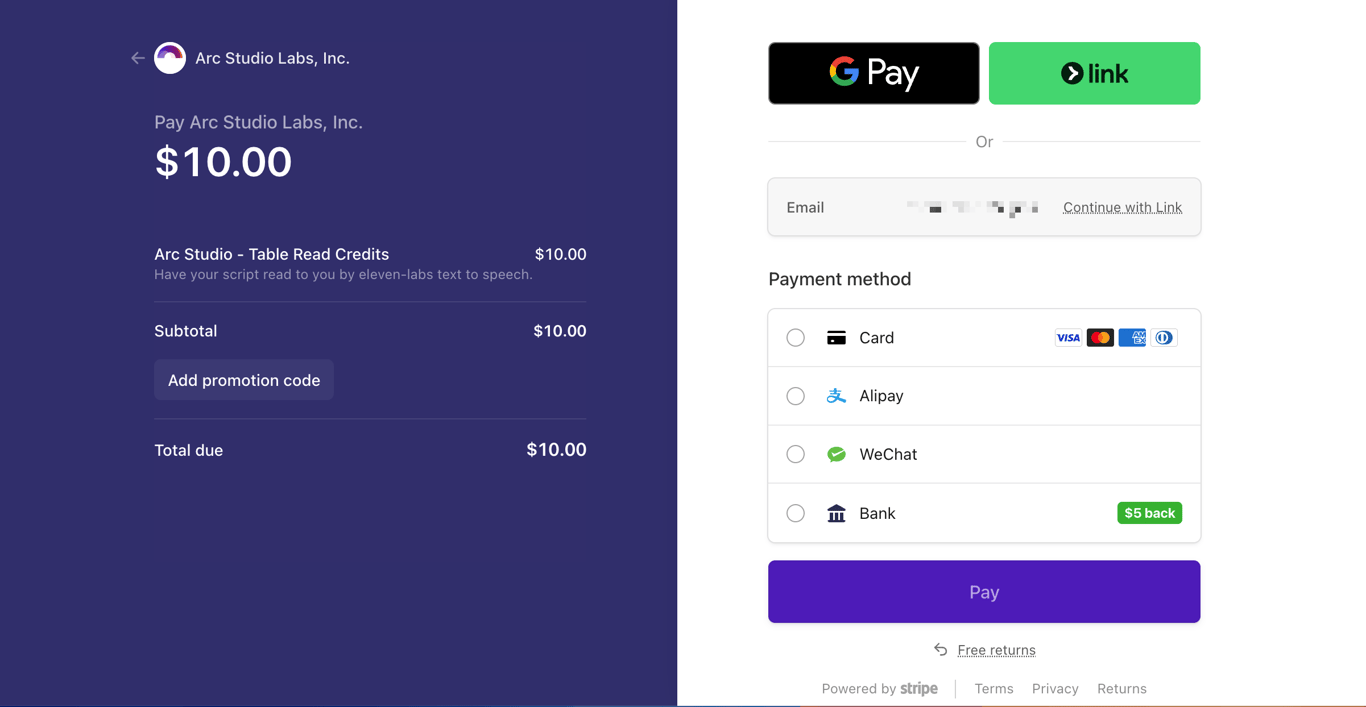
In this page you can purchase your credits securely via Stripe.