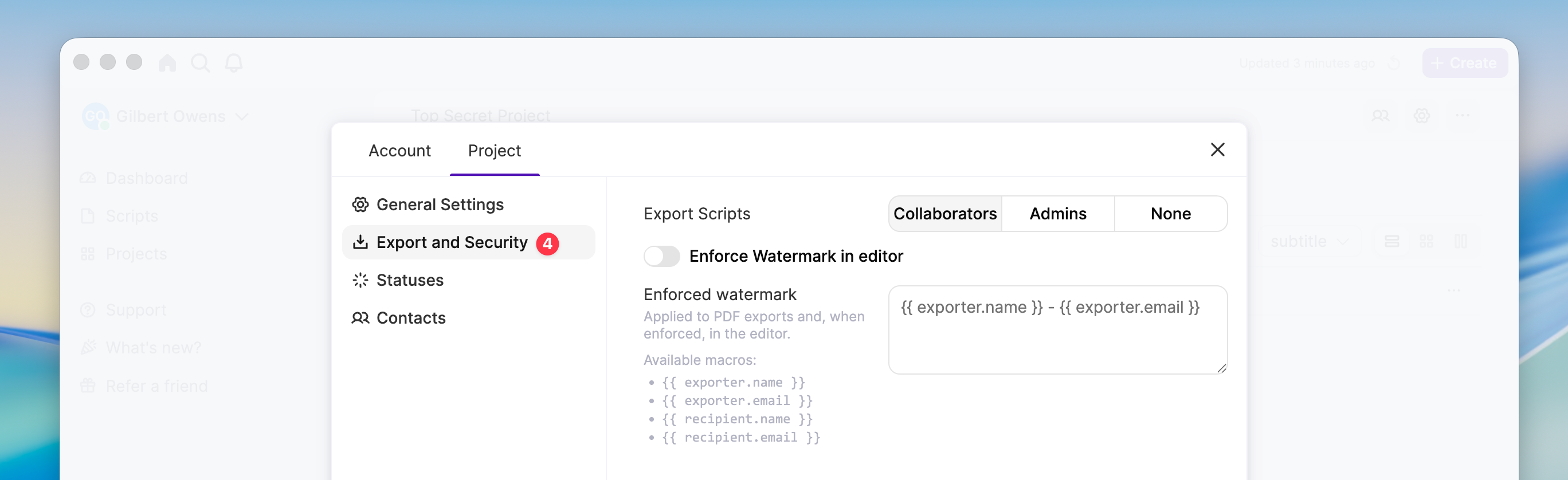
How Do I Access Project Security Settings?
Users with showrunner privileges can access and manage project security settings.
To access a project’s security settings, first open the project by:
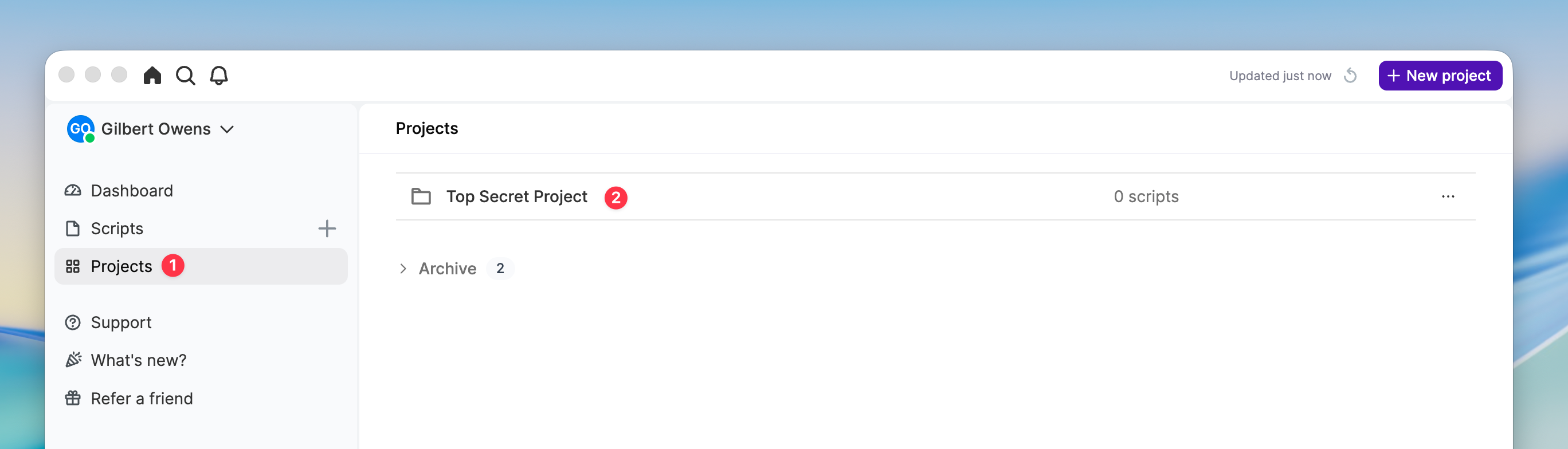
- Clicking Projects on the left sidebar.
- Selecting the Project from the list
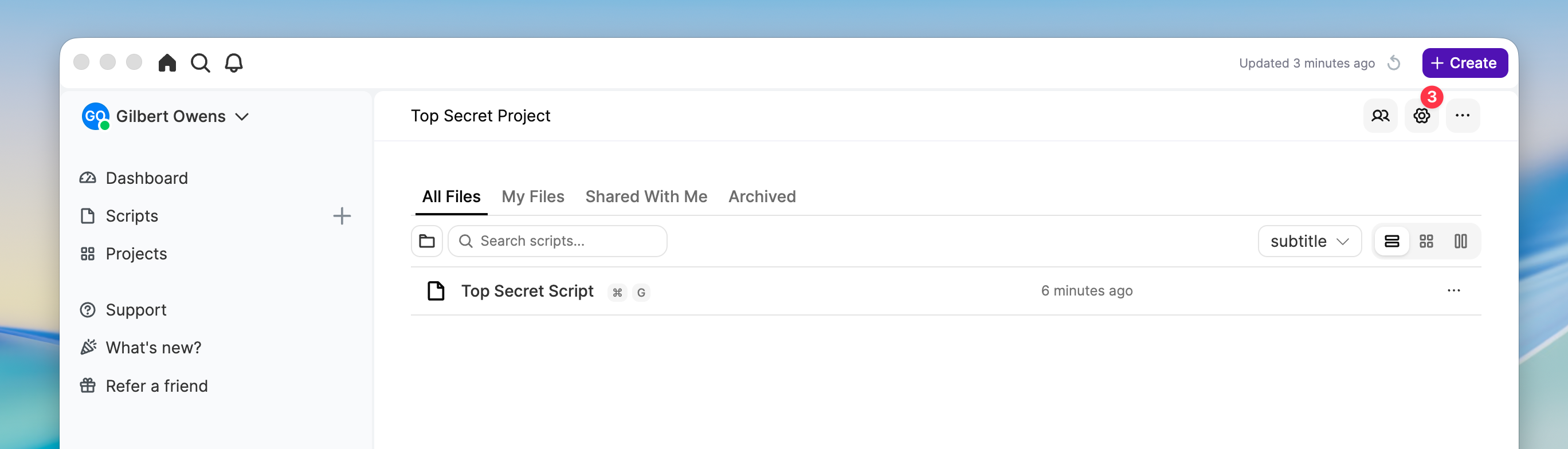
- Once you open the project, access the settings by clicking the gear icon in the top right.
- Select Export and Security from the Project tab