How Do I Redeem a Gift Subscription?
You can redeem a gift subscription given to you by a friend or special promotion.
Please sign up for a free Arc Studio account, if you haven’t already: https://app.arcstudiopro.com/signup
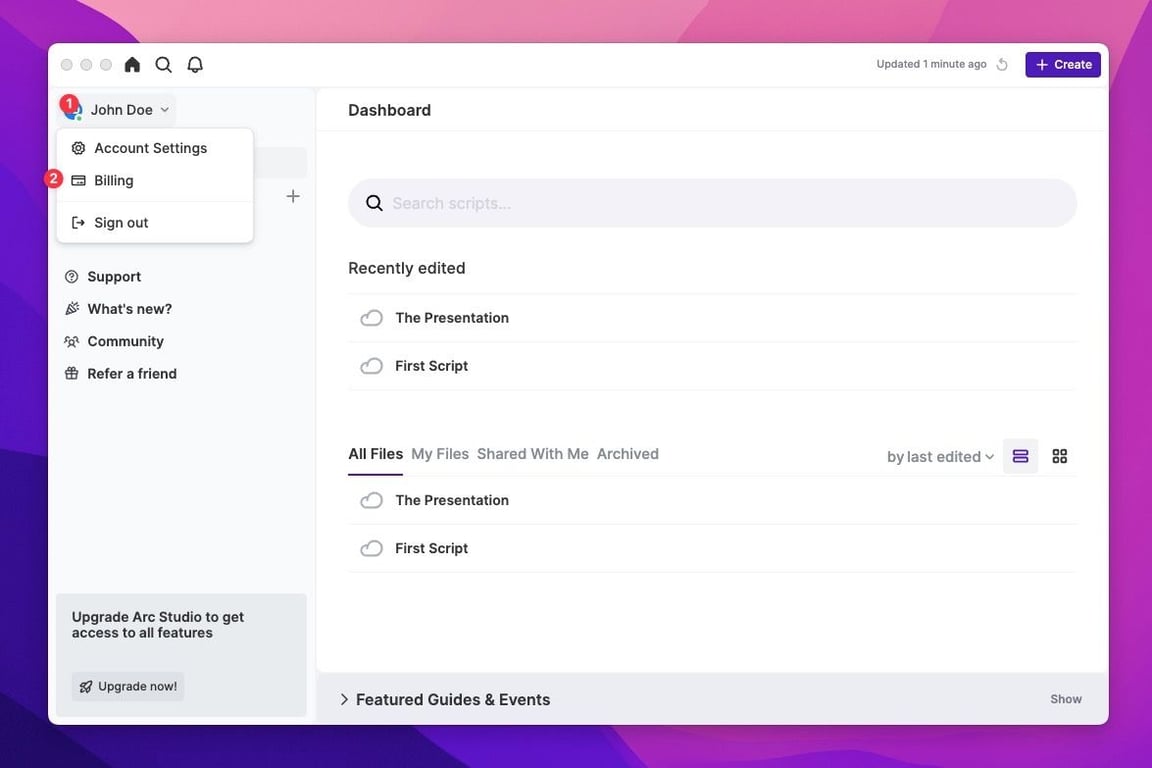
- Navigate to the Desk and click your username in the top left.
- Then click
Billing
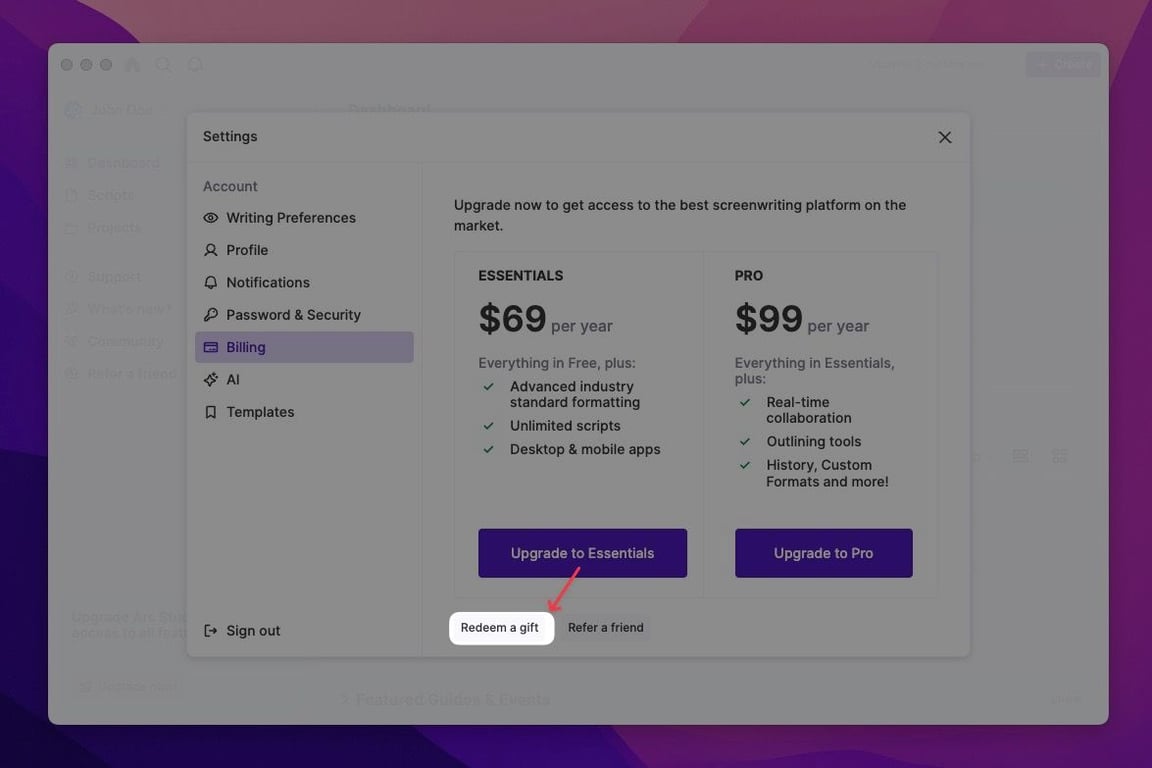
Click Redeem a gift.
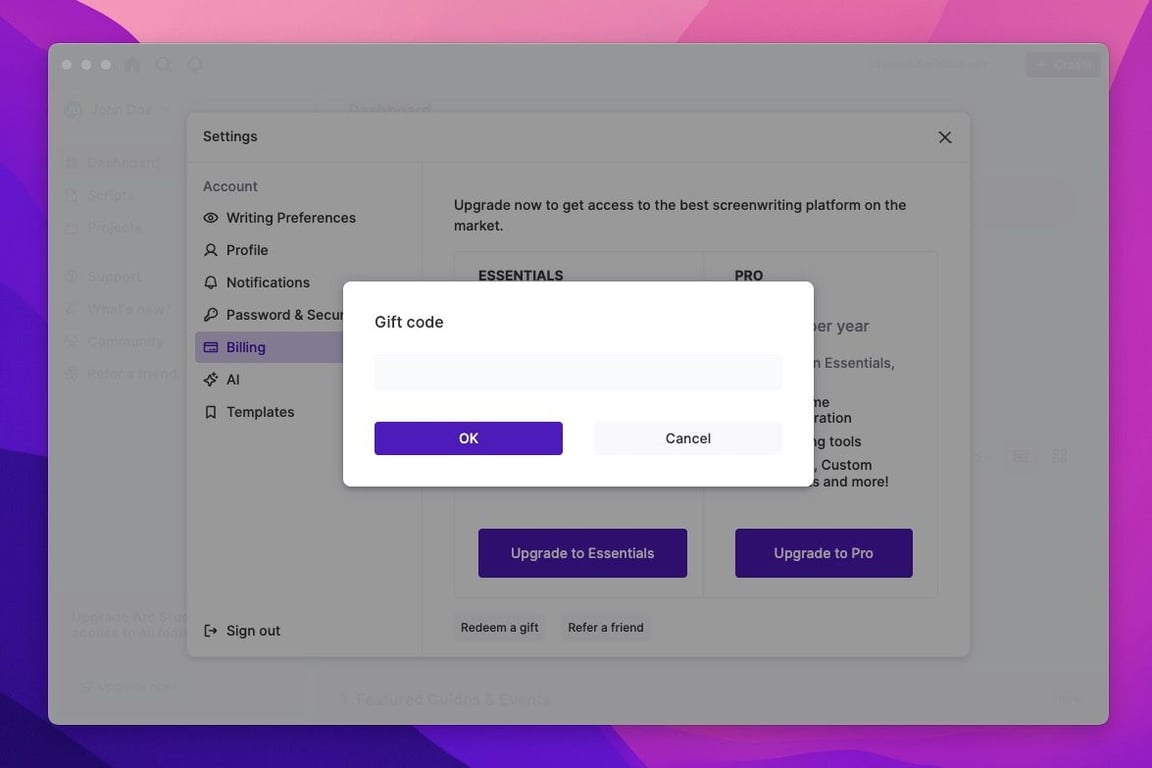
Then enter your Gift code and click OK