How Do I Edit or React to Beat Comments on the Plot Board?
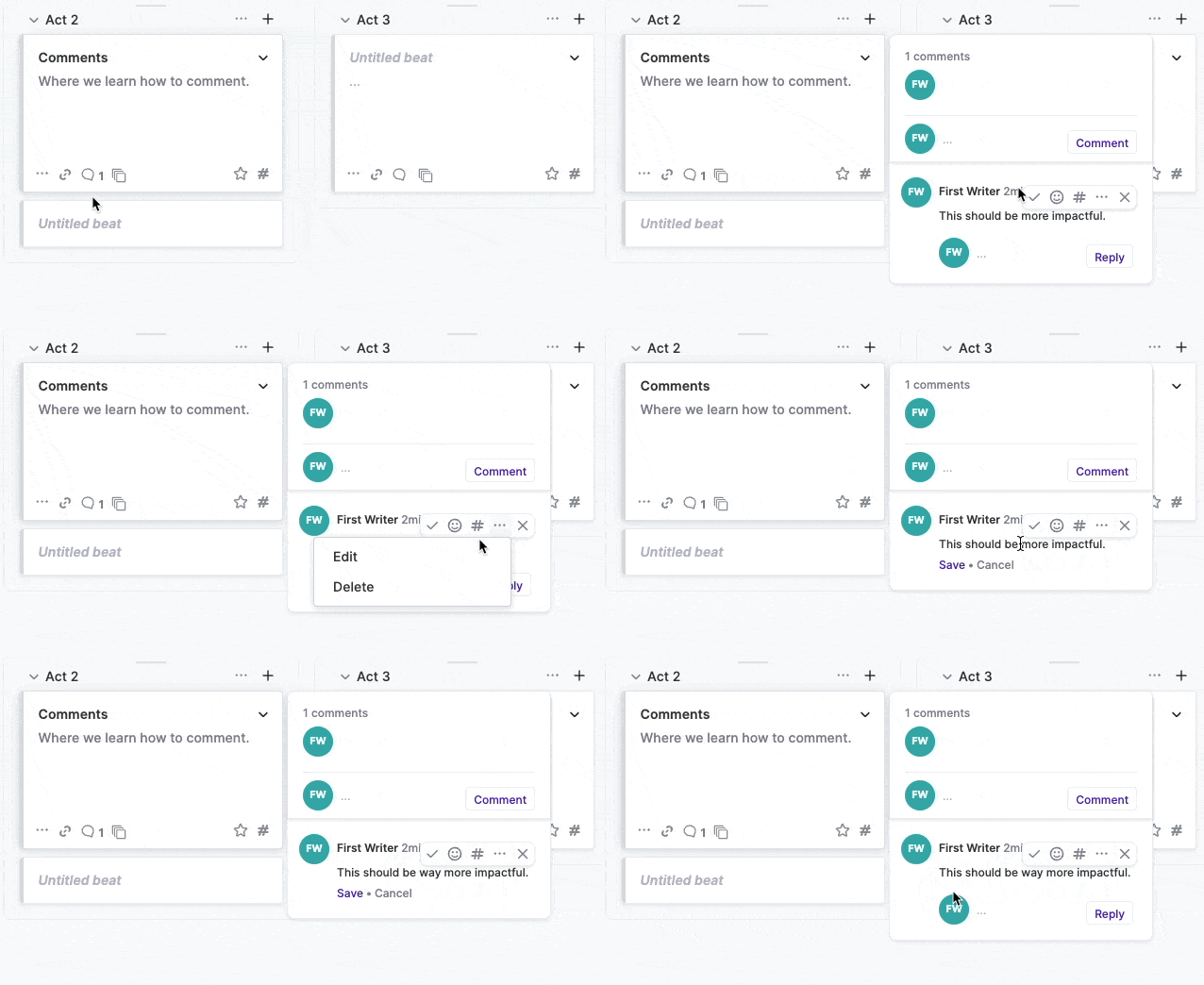
To edit a comment you wrote:
Section titled “To edit a comment you wrote:”- Click on the speech bubble icon or use the keyboard shortcut ‘Cmd + Option + M’ to open the comment window.
- Hover the cursor over the comment you wrote and click the ellipses ‘…’
- Select ‘Edit’
- Edit your comment.
- Click ‘Save’ or ‘Cancel’
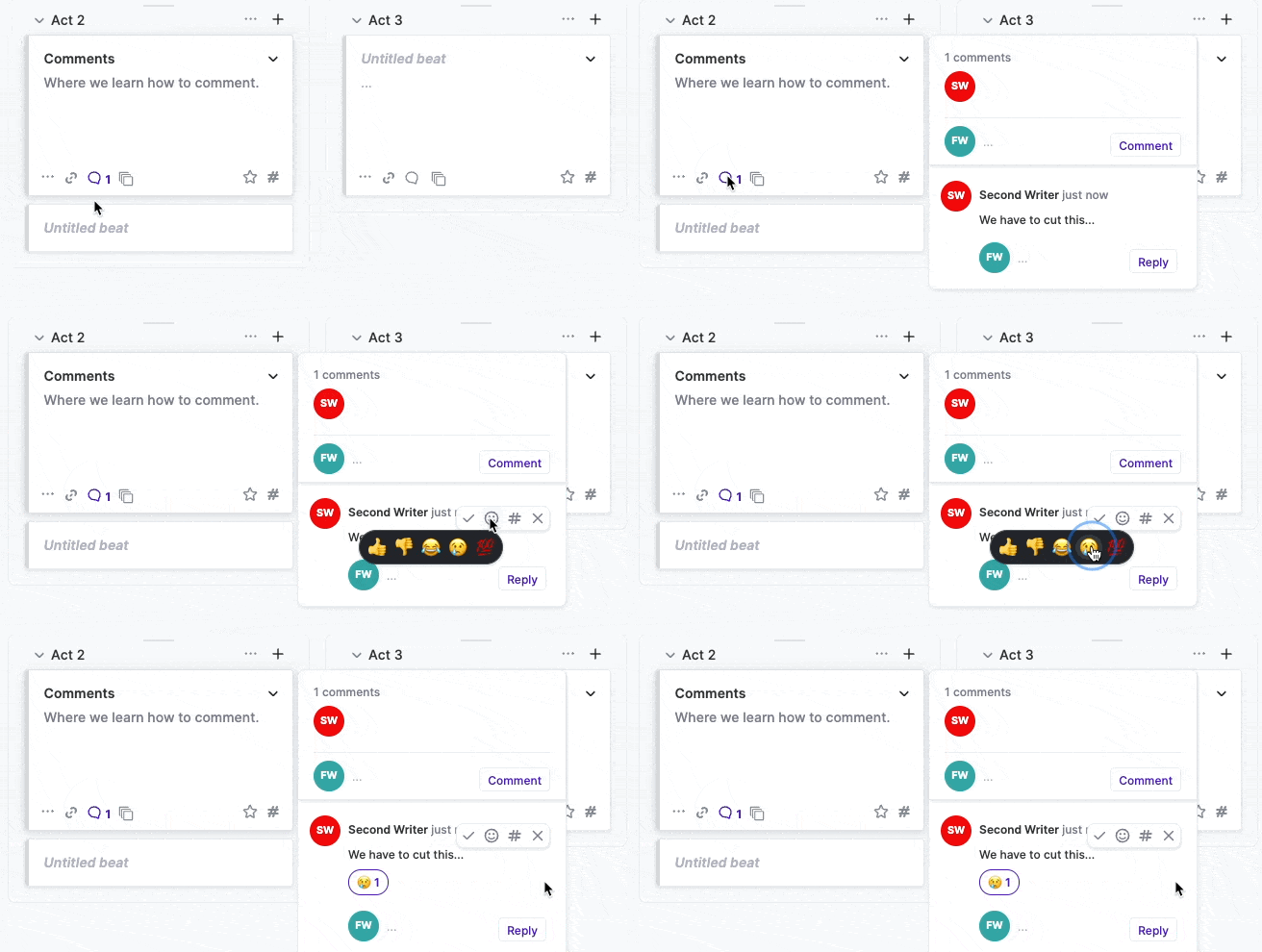
To react to a comment:
Section titled “To react to a comment:”- Click on the speech bubble icon or use the keyboard shortcut ‘Cmd + Option + M’ to open the comment window. 2. Hover your cursor over the comment, then hover it over the emoji icon 3. Click on the reaction.