How Do I Turn an Autosave Into a Snapshot or Colored Revision?
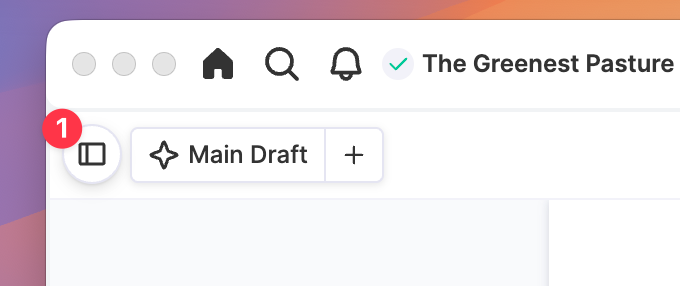
- Open the left sidebar
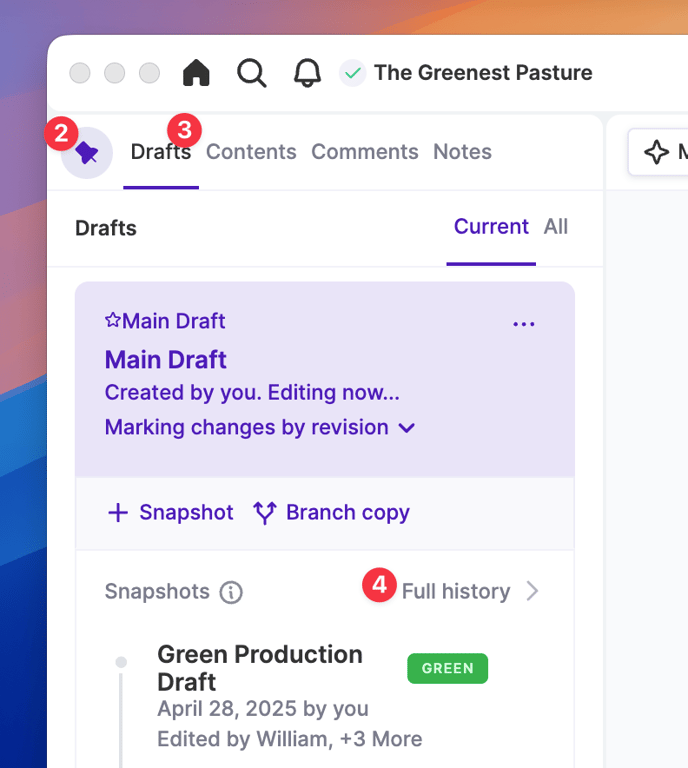
- Pin the sidebar if you want to keep it open
- Click on Drafts
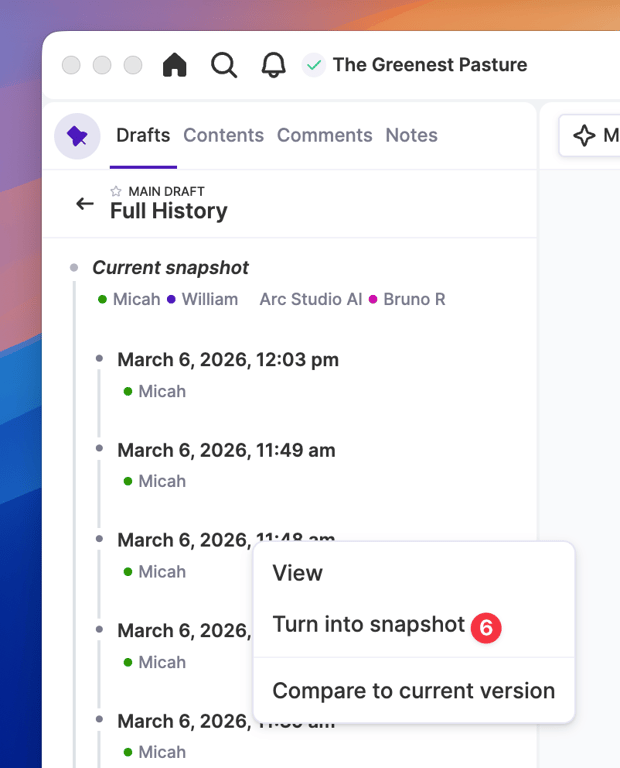
- Click on Full history
- This will show you a list of all your drafts, including your autosaves. If you see an entry with a number like “96 autosave(s)” you can click on it to see all of those autosaves.
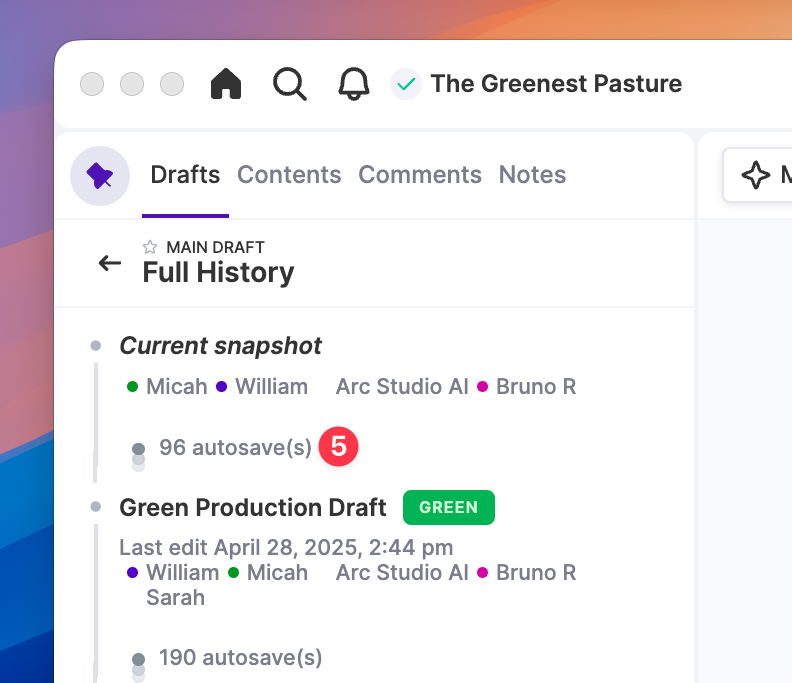
- Right click on the autosave you want and select Turn into snapshot
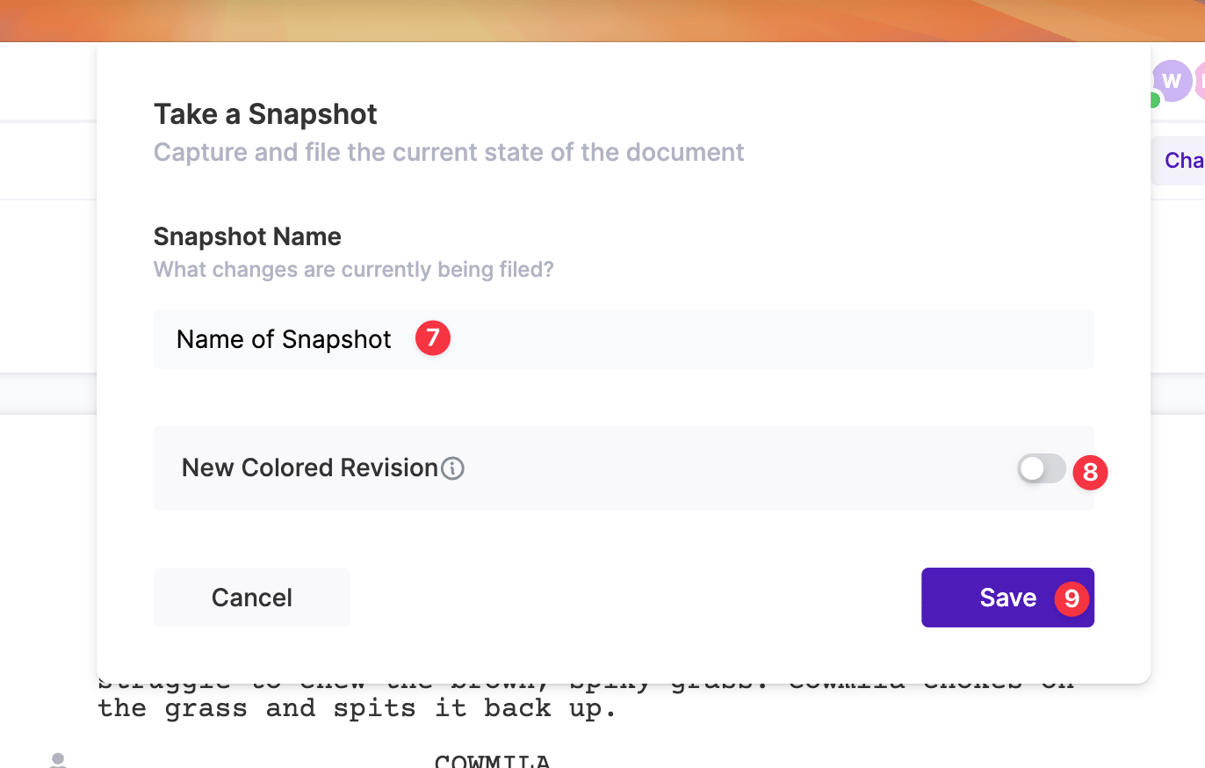
- Name the snapshot.
- If you want it to be a colored revision, toggle on the revision color option.
- Click Save