
How Do I Move Beats in Outline View?
- Navigate to the Outline view by clicking on ‘Outline’ in the center of the top bar, or with the keyboard shortcut ‘Option + Shift + Cmd + B.’
- Click on the color bar on the left side of the beat and drag the beat to its new location.
- When a gray horizontal bar appears where you want the beat to be, release it.
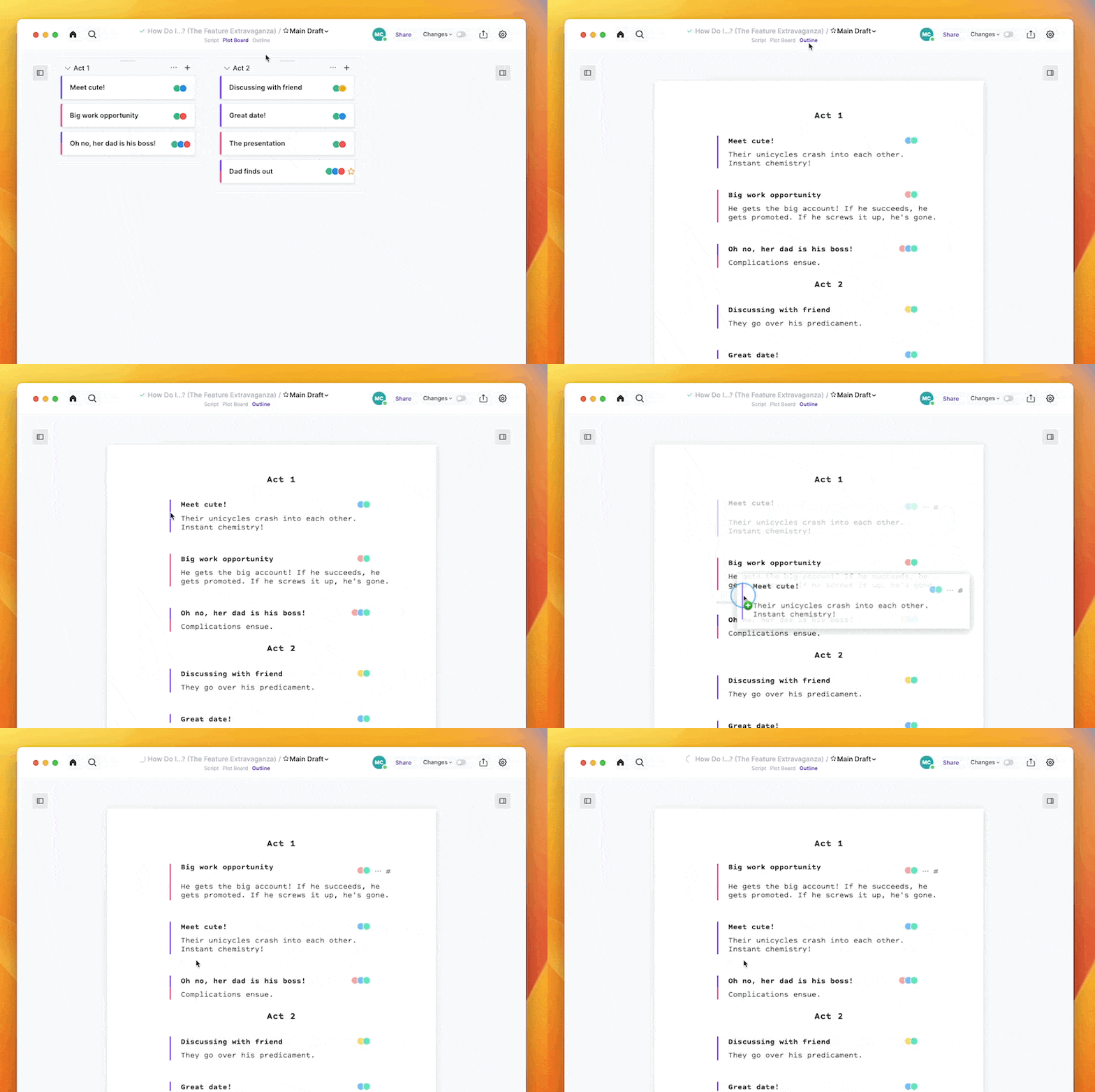
This beat will also move to the same spot on the Plot Board.